For a new iPhone app in late 2026, a minimum of iOS 26 is a sound default: Apple measured iOS 26 on 79 percent of all iPhones that used the App Store on 7 June 2026, and it runs on every iPhone that can run iOS 27. Go lower (iOS 18 or iOS 17) only if your own users or a specific audience need it, and accept the extra testing and the newer APIs you cannot rely on. Apple's own floor is lower still: uploads must be built with the iOS 26 SDK or later and target iOS 13 or later, and the current Xcode supports deployment targets from iOS 15.
Key takeaways
- Two separate rules apply: the SDK you build with (Xcode 26 and the iOS 26 SDK or later, required since 28 April 2026) and the oldest iOS your app runs on (your deployment target). Building with a new SDK does not force you to drop older iOS versions.
- Apple's figures from 7 June 2026: 79 percent of all iPhones and 86 percent of iPhones introduced in the last four years were on iOS 26.
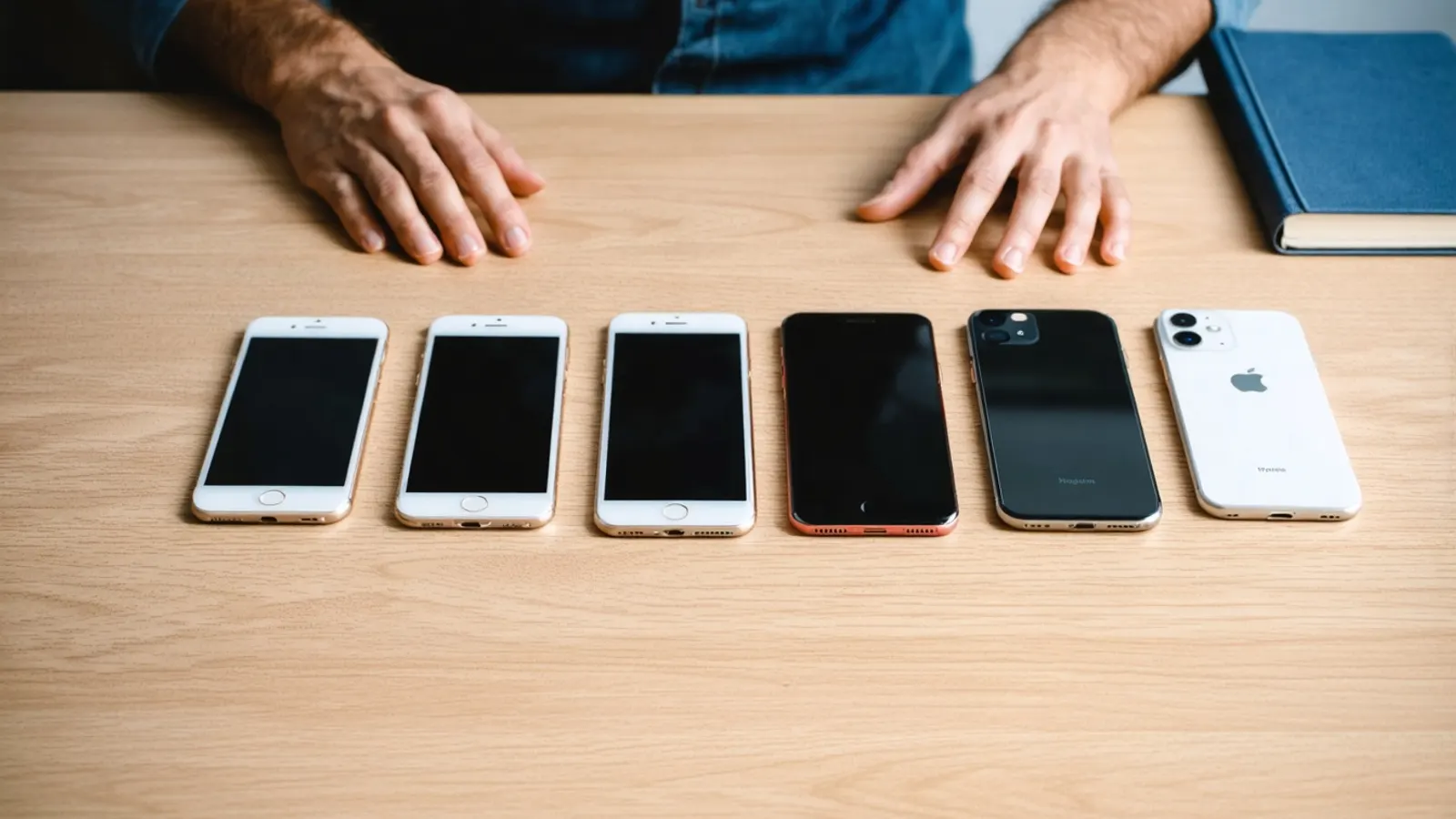
- iOS 27 is compatible with iPhone 11 and later and iPhone SE (2nd generation and later), the same range as iOS 26. An iPhone 7, the phone this page was first written about in 2016, is not on the list.
- Apple Intelligence, and so the on-device Foundation Models framework, needs iPhone 15 Pro, iPhone 15 Pro Max or any iPhone 16 or later. Design a fallback for every AI feature.
- Decide from your own data: App Store Connect can break app usage down by platform version.
What does Apple require as a minimum?
Apple's "Upcoming Requirements" page sets the rules for anything you upload to App Store Connect. Since 28 April 2026, apps must be built with Xcode 26 or later using an SDK for iOS 26 or later. Since 9 September 2026, iOS and iPadOS apps must target iOS 13 or later.
The tools set a tighter limit in practice. Apple's Xcode support table lists the deployment target range for Xcode 27 as iOS 15 to iOS 27, and for Xcode 26.5 and 26.6 as iOS 15 to 26.5. So with a current Xcode, iOS 15 is the oldest version you can choose, even though the App Store rule says iOS 13.
The SDK rule moves every year or so (the same page shows earlier steps to Xcode 15 in April 2024 and Xcode 14.1 in April 2023), so budget a yearly rebuild with the new Xcode even if you add no features. Our getting started with iOS development guide covers Xcode, Swift and the Developer Program.
How many people are on the latest iOS?
Most of them. Apple publishes its own adoption figures, measured by devices that made a transaction on the App Store on a given day. The latest figures on the page, for 7 June 2026, are:
| Device group | On iOS / iPadOS 26 |
|---|---|
| iPhones introduced in the last four years | 86% |
| All iPhones | 79% |
| iPads introduced in the last four years | 79% |
| All iPads | 68% |
Two cautions. First, these numbers were measured before iOS 27 shipped in September 2026, so by the time you read this a share of those devices has moved to iOS 27, which is not a problem for an app that targets iOS 26. Second, they describe App Store users in general. A banking app for older customers, a field-service app on company-issued phones, or an app popular in a market where older phones stay in use longer can look different. iPads also update more slowly than iPhones, so if your app is universal, check the iPad figure too.
Which iPhones can run iOS 27?
Apple's iOS page says iOS 27 is compatible with iPhone 11 and later and iPhone SE (2nd generation and later). That is the same set of models that runs iOS 26: iOS 26 dropped iPhone XS, iPhone XS Max and iPhone XR, which stay on iOS 18. In plain terms:
- Target iOS 26 or 27: you support every iPhone from the iPhone 11 (2019) onward.
- Target iOS 18: you also reach the iPhone XS, XS Max and XR.
- Target iOS 17 or earlier: you add older models, a small and shrinking group, at the cost of testing on old hardware and old OS behaviour.
Which iPhones get Apple Intelligence?
Fewer than run iOS 27. Apple's footnote says Apple Intelligence is available on iPhone 15 Pro, iPhone 15 Pro Max and all iPhone 16 models and later, with the device and Siri set to a supported language. Apple's Foundation Models framework, which gives apps access to the on-device model behind Apple Intelligence, needs iOS 26 or later and, in Apple's words, "a device that supports Apple Intelligence."
So an app that targets iOS 26 still runs on many iPhones without Apple Intelligence (iPhone 11 to iPhone 15). Treat on-device AI as an enhancement: check availability at runtime, hide or replace the feature when it is unavailable, and consider a server-side model for features every user must have. Our article on LLM features and on-device models in mobile apps covers that choice in more detail.
How do you choose your deployment target?
Weigh reach against what you can build and test. Each step back in iOS version adds devices but removes APIs you can use without extra code paths. Some examples, with the iOS version Apple's documentation lists for each:
| Minimum iOS | What you can rely on everywhere | Trade-off |
|---|---|---|
| iOS 27 | Everything new this year | Leaves out users who have not updated yet; rarely worth it for a broad app |
| iOS 26 | Liquid Glass design APIs, the Foundation Models framework (on supported devices) | A sensible default for new apps in 2026 |
| iOS 18 | Control Center controls, Spotlight indexing of app entities, App Intents schemas for Apple Intelligence | Adds iPhone XS, XS Max and XR; you write fallbacks for iOS 26 features |
| iOS 17 | Buttons that run app intents, which make widgets interactive | More old devices to test; more conditional code |
| iOS 15 | The oldest target current Xcode supports | Heavy testing and conditional code; only for a known audience |
A practical rule many teams use is "the current and the previous major version", which today means iOS 26 and iOS 27. For an existing app, do not guess: in App Store Connect, App Analytics lets you filter by Platform Version, defined as the OS version the app was downloaded on or used on. If only a small share of your active users are on an older version, compare the cost of supporting them with the value of those users before you raise the minimum. One developer has reported gaps in that breakdown, so cross-check it against your own analytics if you have them.
Raising the minimum does not delete the app from older phones; people on an older iOS simply stop receiving updates. Tell users in the release notes before you raise it, and keep your server APIs compatible with the last version they can run.
What else should you test besides the iOS version?
The iOS version is one axis; devices and settings are the others. A short, realistic test matrix for an iPhone app:
- The smallest supported screen, usually an iPhone SE (2nd or 3rd generation), and the largest current Pro Max model.
- The oldest supported iOS on a real device, not only the simulator, because performance and memory problems show up on old hardware.
- A device with and without Apple Intelligence, if you use it.
- Larger text sizes, dark mode and VoiceOver, because many people change these.
- iPad, if your app runs there, in both orientations and with multitasking.
Our list of mobile app development challenges has more device and store checks, and Android or iOS first in 2026 covers the platform decision if you have not made it yet.
How do you keep up each year?
Plan around Apple's calendar. Apple announces the next iOS at its developer conference in June, with betas through the summer, and ships it in September. Use that window to build and test against the beta, then review your minimum version once a year, usually after the new release has been out a few months. Each spring, check the upcoming requirements page for the next SDK deadline. Our iOS development team builds this yearly review into maintenance plans.
FAQ
What minimum iOS version should a new app target in 2026?
iOS 26 is a reasonable default. Apple measured it on 79 percent of all iPhones in June 2026, and it runs on every iPhone that supports iOS 27. Choose an older target only when your audience needs it.
Does building with the iOS 26 SDK mean my app only runs on iOS 26?
No. The SDK is what you build with; the deployment target is the oldest iOS you support. Current Xcode lets you target as far back as iOS 15.
Which iPhones can run iOS 27?
iPhone 11 and later and iPhone SE (2nd generation and later), according to Apple's iOS page. That is the same range as iOS 26.
Can every iPhone on iOS 26 use Apple Intelligence features in my app?
No. Apple Intelligence needs iPhone 15 Pro, iPhone 15 Pro Max or any iPhone 16 or later. Check availability in code and give other devices a fallback.
Where can I see which iOS versions my users have?
In App Store Connect, App Analytics can be filtered by Platform Version. Your own in-app analytics, if you have them, are a useful cross-check.
How often should I raise the minimum version?
Review it once a year, a few months after the September release, and raise it when the older version's share of your active users is small enough that supporting it costs more than it returns.
Sources (12 links)
- Apple Developer, "Upcoming Requirements" (SDK and minimum target rules): https://developer.apple.com/news/upcoming-requirements/
- Apple Developer, "Xcode support" (SDKs and deployment target ranges): https://developer.apple.com/support/xcode/
- Apple Developer, "App Store" support page (iOS and iPadOS usage, measured 7 June 2026): https://developer.apple.com/support/app-store/
- Apple, "iOS 27" (compatible devices and Apple Intelligence footnote): https://www.apple.com/ios/
- 9to5Mac, "iOS 26 supports these recent iPhones but drops three models" (24 July 2025): https://9to5mac.com/2025/07/24/ios-26-supports-these-recent-iphones-but-drops-three-models/
- MacRumors, "Apple Announces iOS 27 Release Date" (9 September 2026): https://macrumors.com/2026/09/09/apple-announces-ios-27-release-date/
- Apple Developer Documentation, "Foundation Models": https://developer.apple.com/documentation/foundationmodels
- Apple Developer Documentation, "ControlWidget": https://developer.apple.com/documentation/swiftui/controlwidget
- Apple Developer Documentation, "IndexedEntity": https://developer.apple.com/documentation/appintents/indexedentity
- Apple Developer Documentation, "Button init(intent:label:)": https://developer.apple.com/documentation/swiftui/button/init(intent:label:)
- Apple Newsroom, "Apple introduces a delightful and elegant new software design" (9 June 2025): https://www.apple.com/newsroom/2025/06/apple-introduces-a-delightful-and-elegant-new-software-design/
- App Store Connect Help, "App Analytics filters and dimensions": https://developer.apple.com/help/app-store-connect/reference/reporting/app-analytics-filters-and-dimensions/