Workflow automation
HubSpot lead follow-up by email and SMS with Zapier
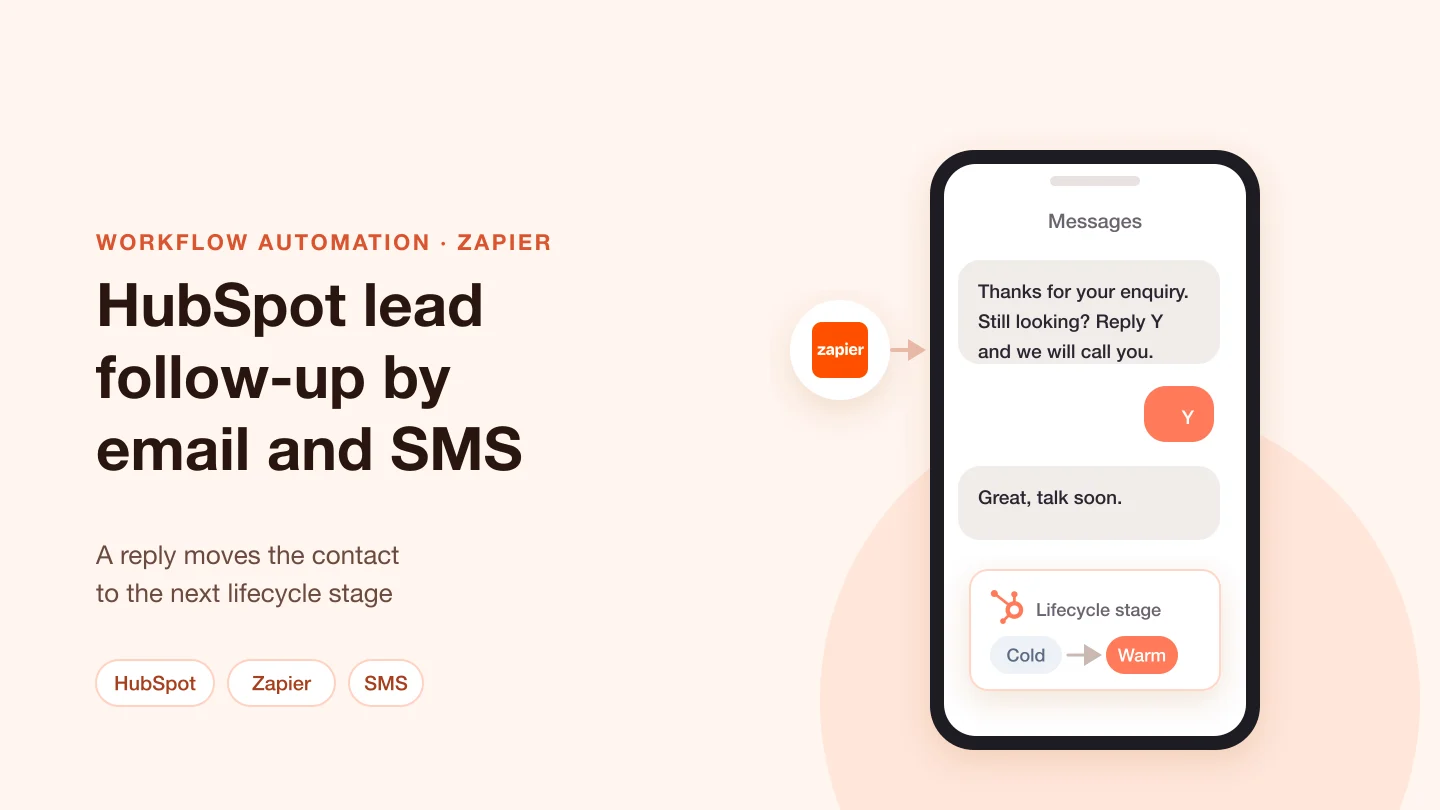
Zaps that read HubSpot contacts and send email and SMS by lifecycle stage; an SMS reply moves the contact to the next stage.


Automation pays off when the work is repetitive and the rules are clear:
Plan around these before you start:
All three tools connect apps without a full software project, and each fits a different case. Zapier builds Zaps from a trigger and action steps, with Paths and error handlers for branches, and suits short links between popular apps. Make builds scenarios from modules, with instant and polling triggers, a queue on each webhook and error handlers per module. n8n can run on your own infrastructure or on n8n Cloud, and its Code node runs JavaScript or Python. Custom code fits when the logic is heavy, the data is large or a tool's limits get in the way. A common pattern combines them: the workflow tool handles triggers and alerts, and your own code does the matching or calculation behind an API endpoint. Some of our projects use Power Automate as well.
The industries of our Workflow automation projects. Each card opens the projects we show for it.
Workflow automation
Zaps that read HubSpot contacts and send email and SMS by lifecycle stage; an SMS reply moves the contact to the next stage.
Workflow automation
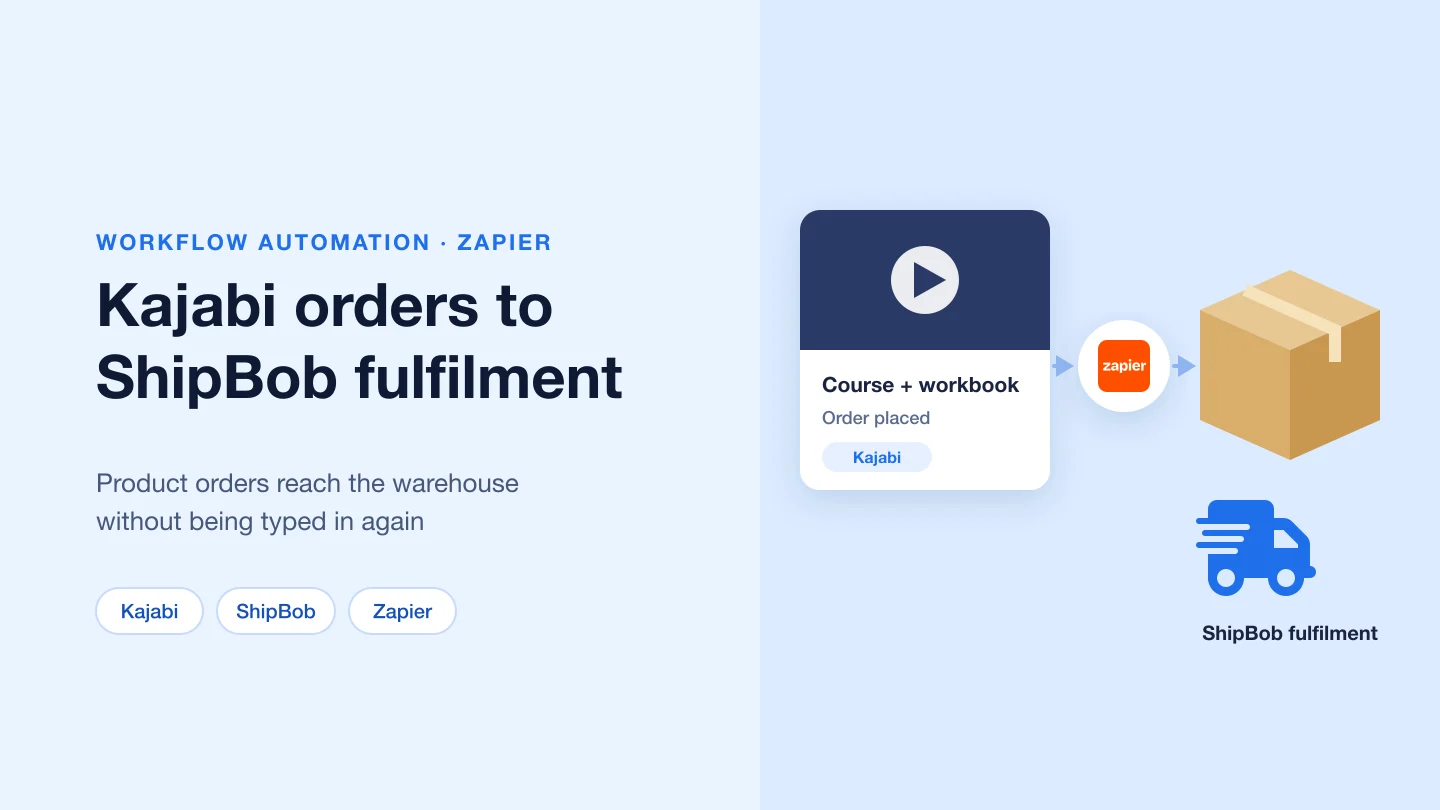
Zapier connects Kajabi, where the business sells courses and products, to ShipBob, which fulfils physical orders.
Workflow automation
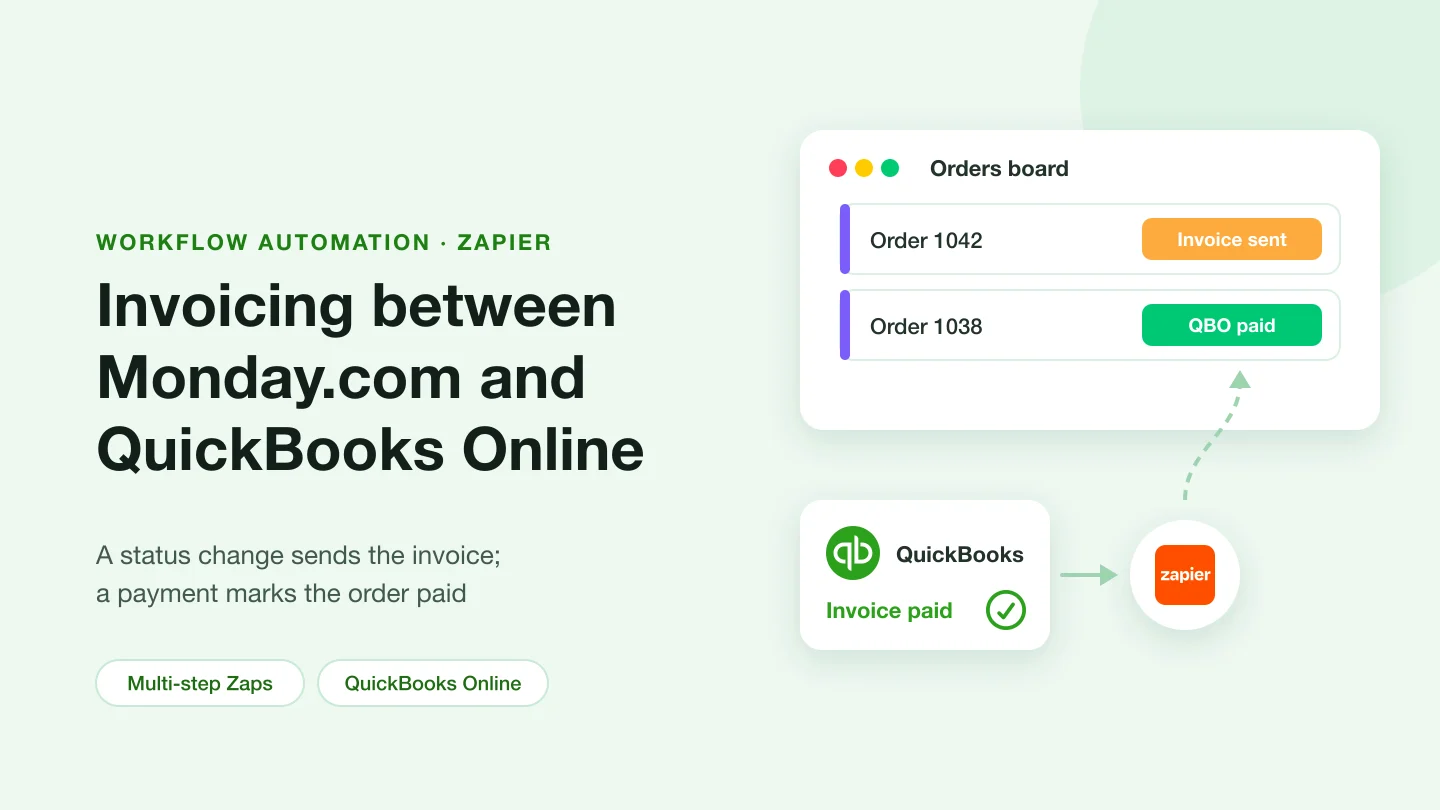
Multi-step Zaps: a status change in Monday.com sends an invoice, and a payment in QuickBooks Online marks the Monday.com item as paid.
Workflow automation
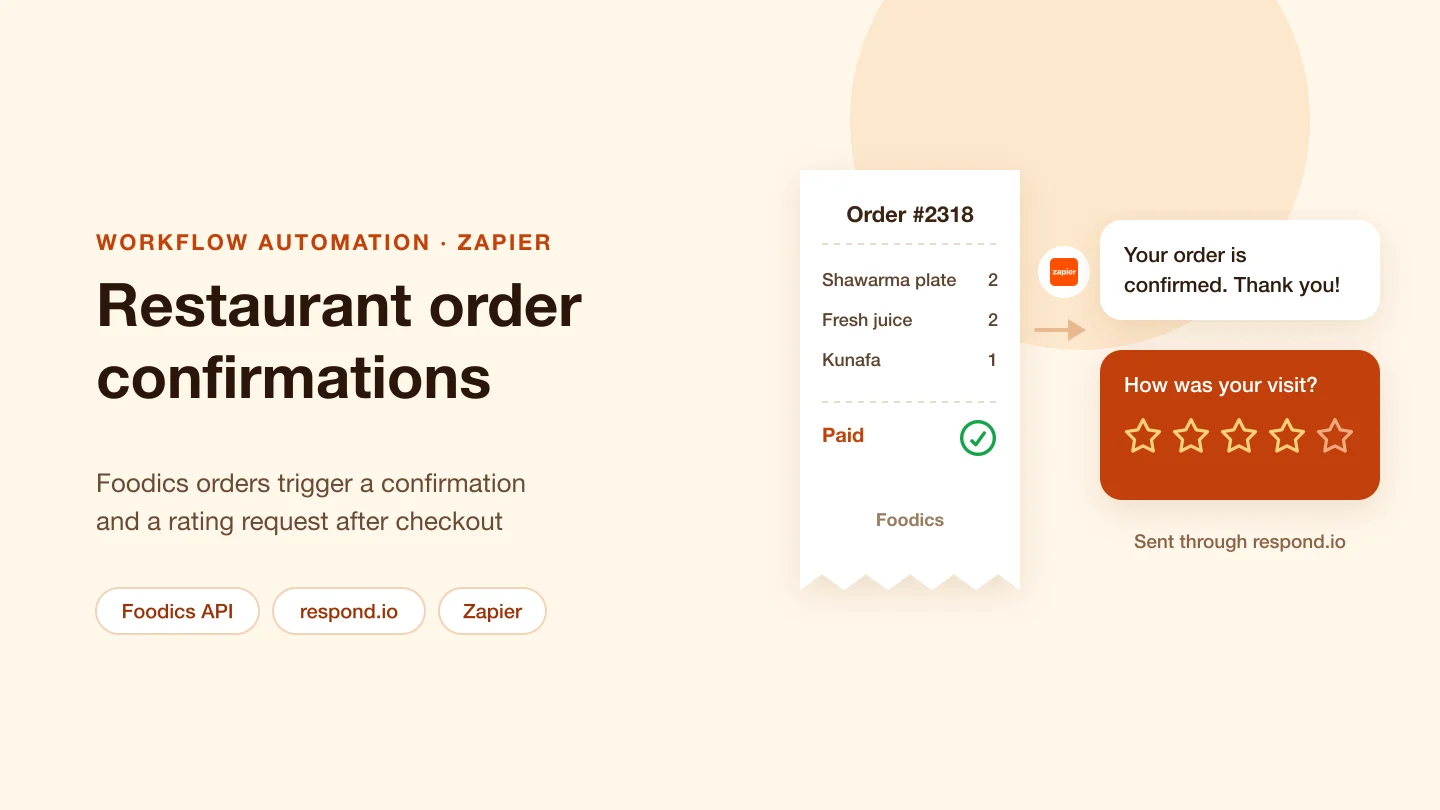
Orders from the Foodics restaurant system trigger order confirmations and a post-checkout rating request, sent to customers through respond.io via Zapier.
Workflow automation
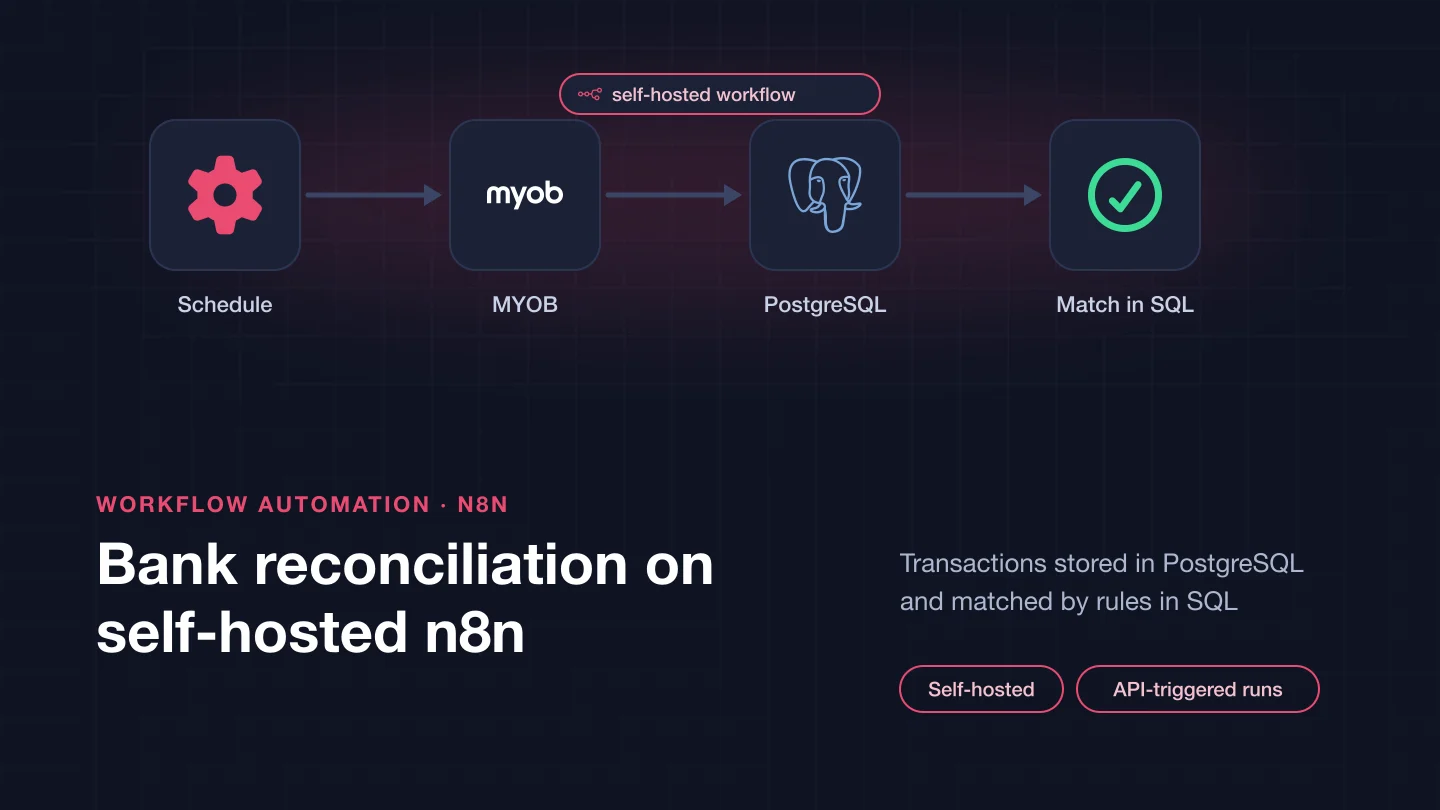
A reconciliation service run by self-hosted n8n: transactions from MYOB and a second source are stored in PostgreSQL and matched in SQL, started through an API endpoint.
Workflow automation
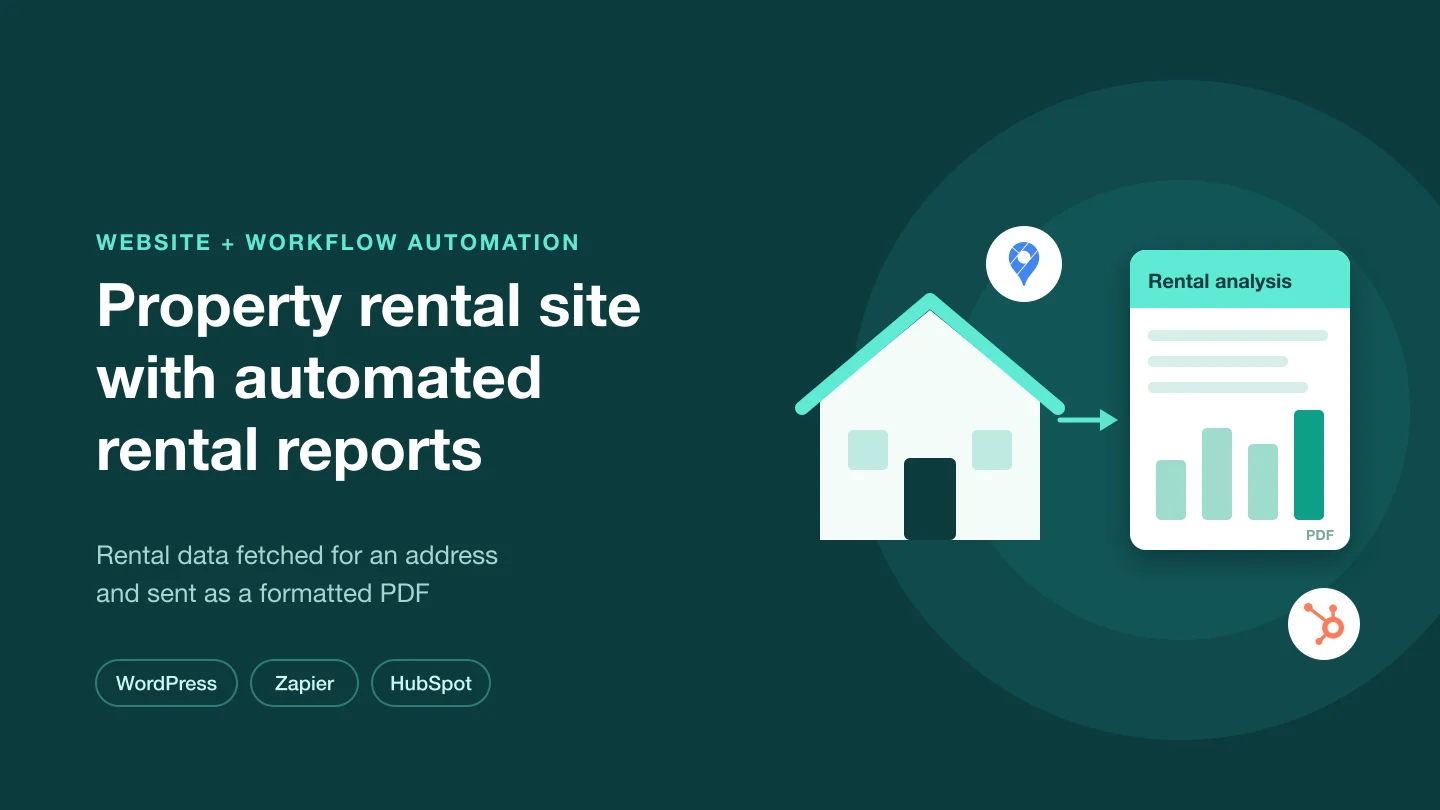
A WordPress site for property owners and renters, with HubSpot lead capture and a Zapier flow that fetches Rentometer data and produces a formatted rental report PDF.
Workflow automation
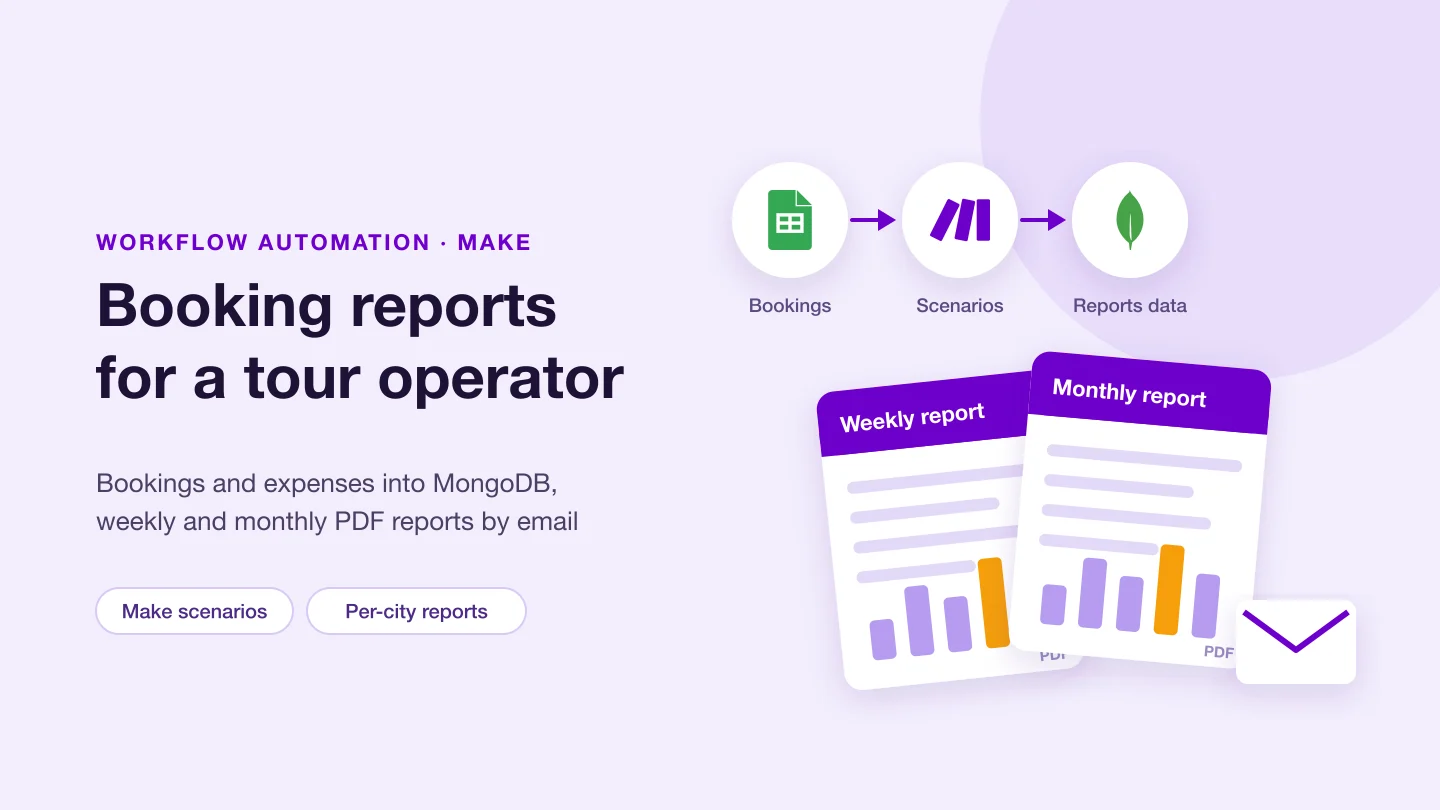
Make scenarios move tour bookings and expenses from Google Sheets into MongoDB; weekly and monthly PDF reports for each city go out by email. Plus WordPress pages for the tour sites.
Workflow automation
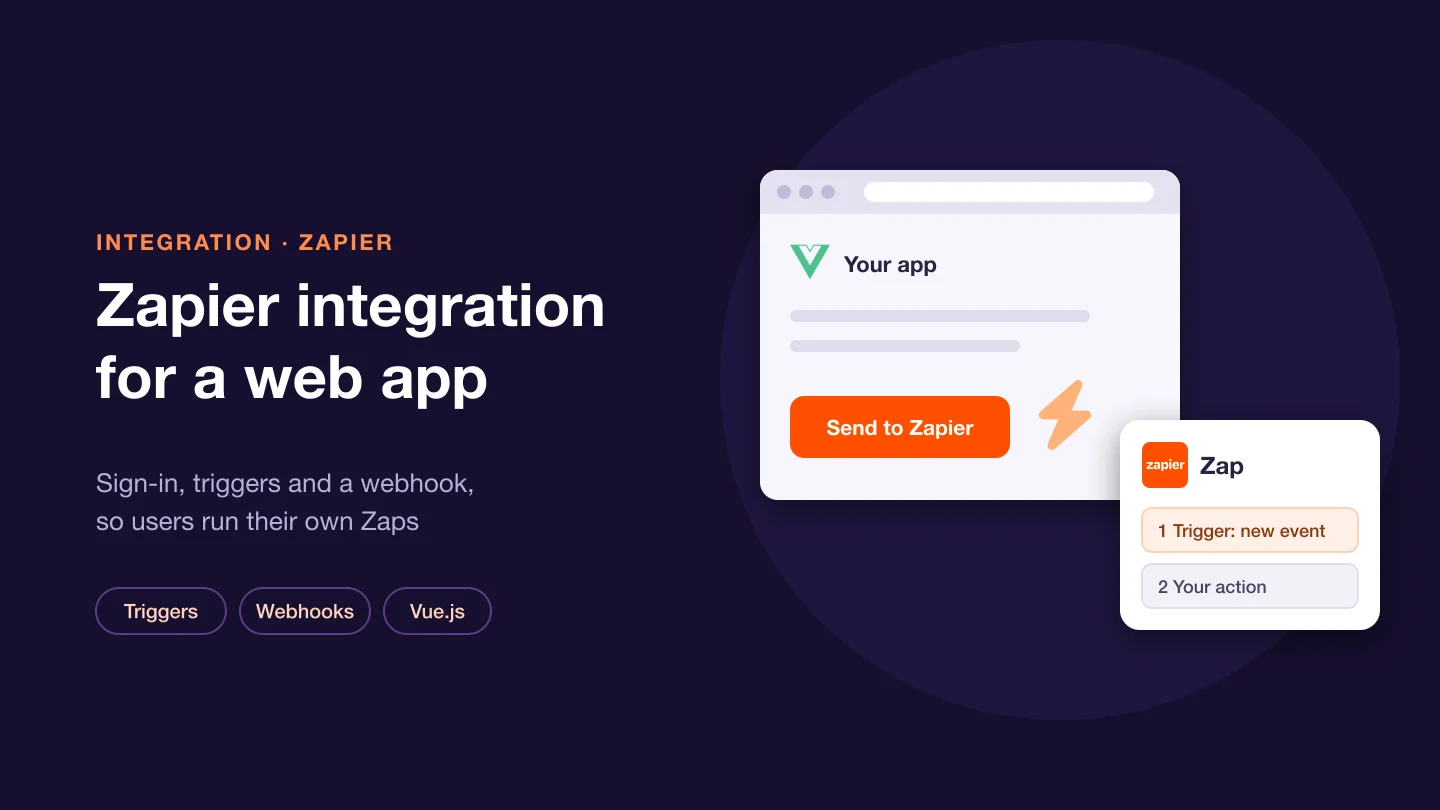
A web app connected to Zapier: authentication, API triggers and a webhook fired from a button, so users' own Zaps run on events from the app. Plus Meta Pixel tracking.
Technologies that appear alongside Workflow automation in our case studies. Select one to see our work with it.
It depends on the apps, the logic and who will run it. Zapier suits short links between popular apps. Make suits scenarios with many steps and per-module error handling. n8n suits teams that want to self-host or need real code in the workflow. We often use more than one.
Webhooks can deliver the same event more than once, and replaying a failed run repeats its steps. Each step that creates a record should check whether the record already exists or use a stable key, so a repeat does no harm.
Each tool has its own handling. Zapier has error handlers and replays, Make has error handlers and stored incomplete executions, and n8n runs an error workflow. We set these up so a failure reaches a person and can be replayed safely.
Only where a step needs judgment, such as reading free text or sorting messages. If a rule or a lookup can decide the outcome, a rule is cheaper, faster and easier to test.
There are three ways, on the same terms:
Whichever you choose, we sign an NDA before work starts, you own the code we write, and every change is reviewed in your repository.
Yes. For a dedicated team you meet the developers in an online call and interview them before they join your project.
Tell us which tools you use and which steps repeat. We will say which tool fits and what the workflow involves.
Tell us what you need built, fixed or improved. We come back with questions, a suggested approach and an estimate.


