Zapier automation and Zapier integrations

Zapier connects apps through Zaps: a trigger event starts the Zap, and its action steps run after it. We build multi-step Zaps with filters, paths, formatting and delays, connect your own systems through webhooks, and build Zapier integrations so your product's users can connect it themselves. We also fix failing Zaps, and we tell you when a flow has outgrown Zapier.
Zapier
  • Multi-step Zaps with filters, paths, formatter and delays
  • Webhooks by Zapier for your own systems
  • Error handlers and replay for failed runs
  • Zapier integrations for your product on the Zapier Platform

When Zapier is the right choice

Zapier suits event-by-event workflows between apps:

  • The apps you use, such as your CRM, accounting and messaging tools, already have Zapier triggers and actions.
  • Each run handles one event: a new contact, an order, a status change, a paid invoice.
  • People on your team should be able to see and change the steps without a code deploy.
  • Your product should be available to Zapier users. A Zapier integration defines its authentication, triggers and actions on the Zapier Platform.

When Zapier is not the right choice

Plan around these before you commit:

  • You need to move data that already exists. Triggers do not fire for data created before the Zap was turned on. Zapier points to its Transfer feature for that.
  • A step calls a slow API. Zapier actions time out after 30 seconds, so long jobs need a callback or your own service.
  • You run high volumes. Every successful action is a task. On a plan without pay-per-task billing, Zapier holds new runs once the task limit is reached, until the billing cycle resets.
  • The logic is long and branchy. A Zap has a step limit, paths nest only three deep, and a Paths step must be the last step. At that point code is easier to test and change.

What we have built with Zapier

Projects we have delivered, described without client names.

CRM lead follow-up

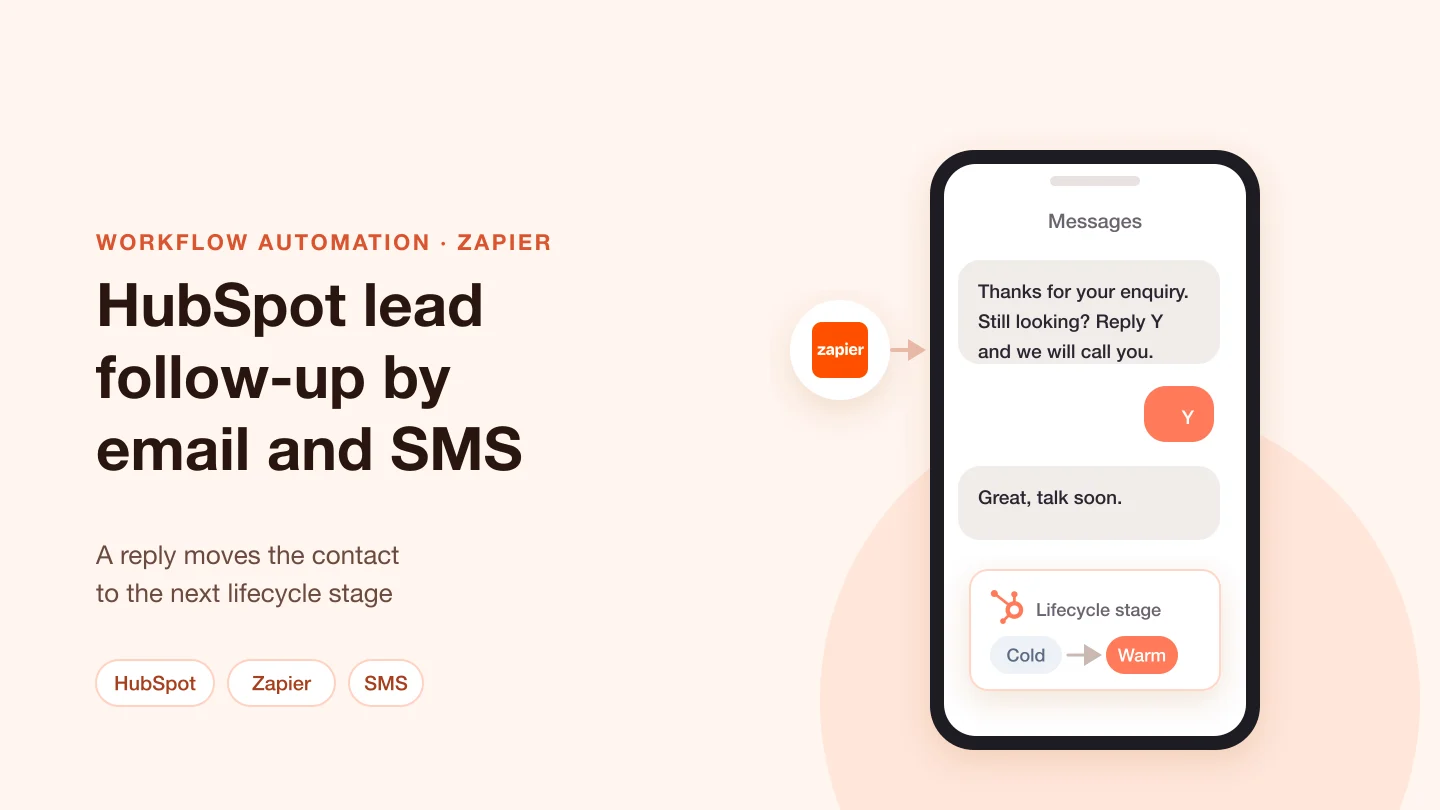
Zaps read HubSpot contacts through the HubSpot API and send email and SMS, through SimpleTexting, by lifecycle stage. A reply to an SMS moves the contact's lifecycle stage. We split the work across several Zaps so each run stays within limits when many records are fetched.

Rental analysis PDFs

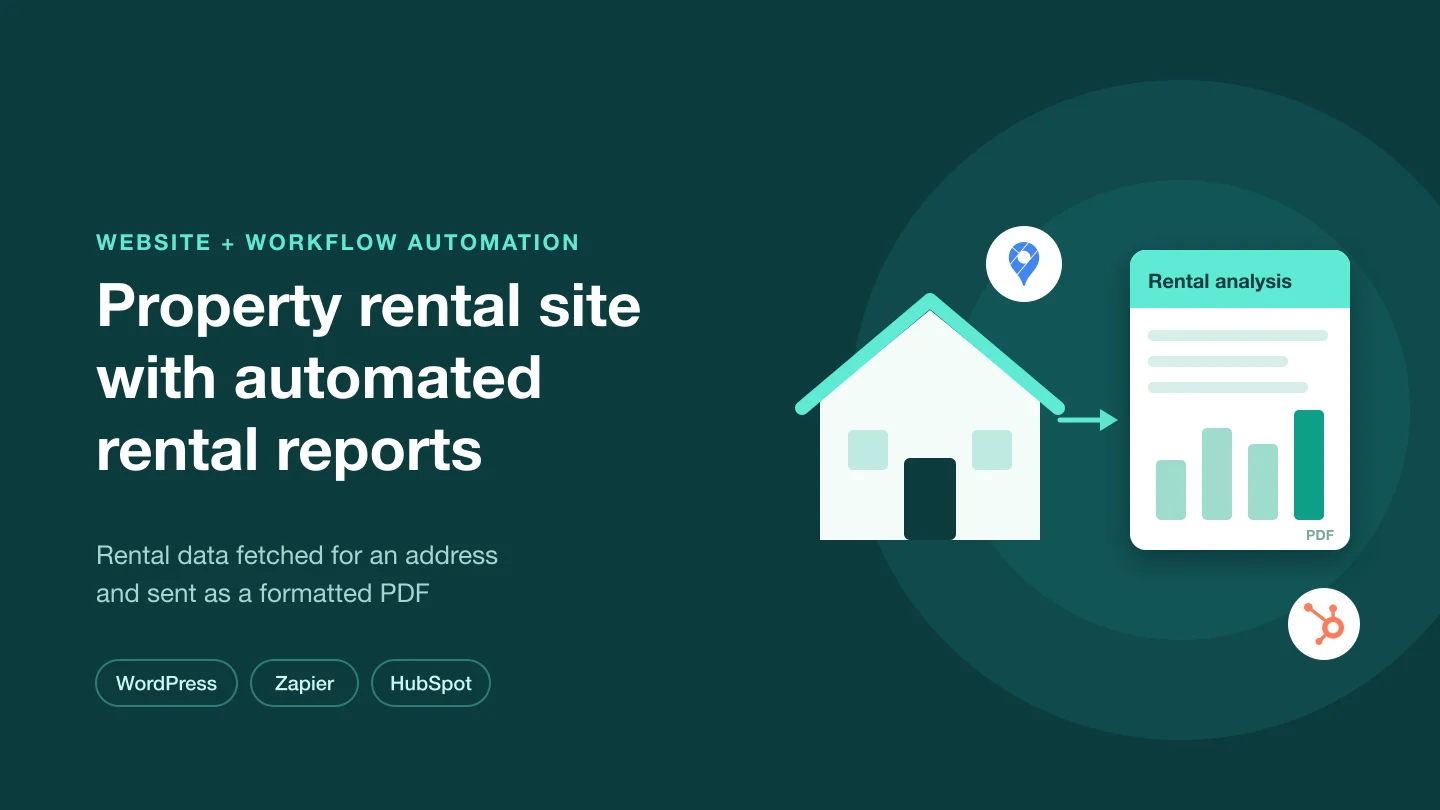
For a property business, Zapier fetches rental data for a property from Rentometer and produces a formatted PDF, with HubSpot in the flow, alongside work on the WordPress site.

Invoicing between Monday.com and QuickBooks Online

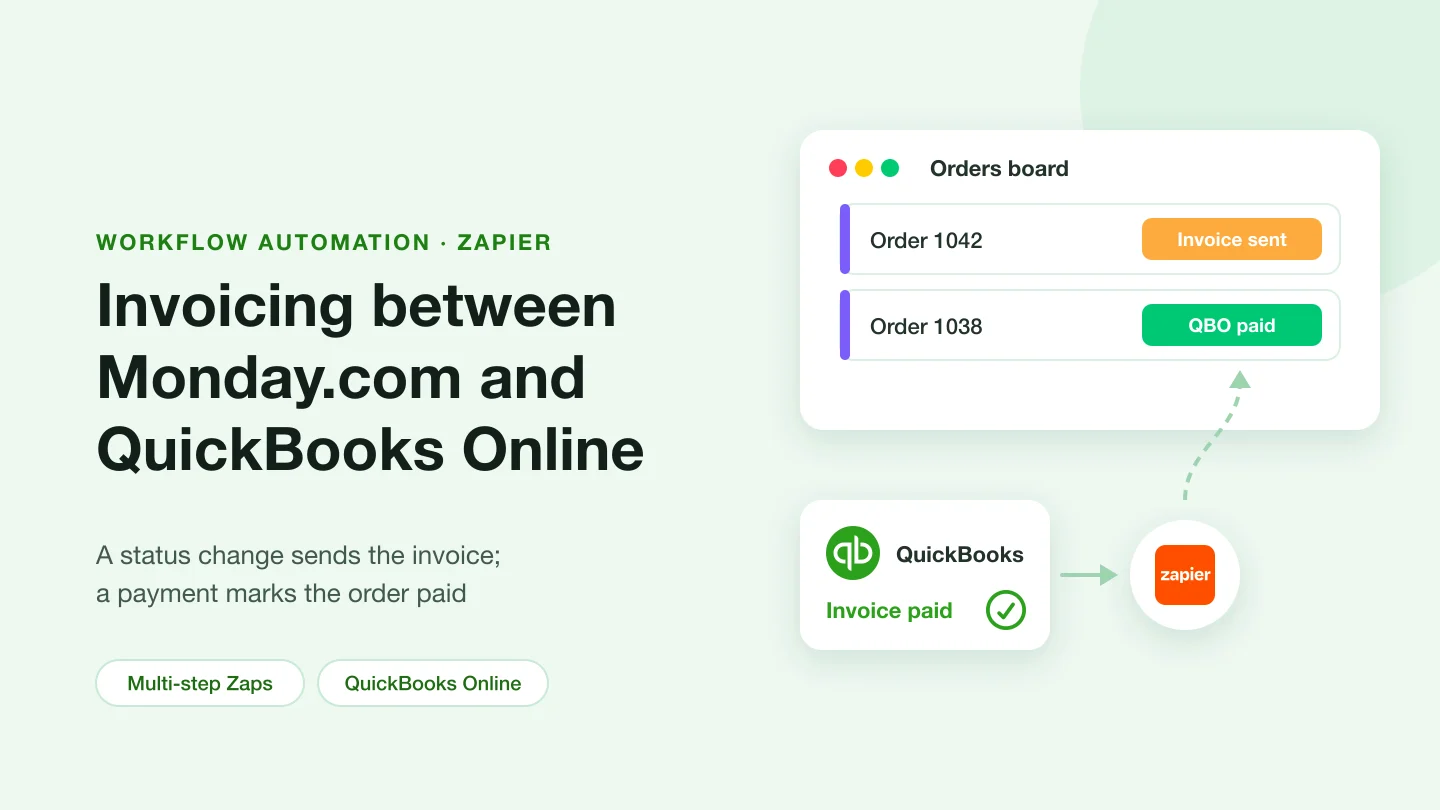
A status change in Monday.com sends an invoice. When the invoice is paid in QuickBooks Online, the Monday.com item is updated to paid. WooCommerce was also in the scope.

Orders to fulfilment and confirmations

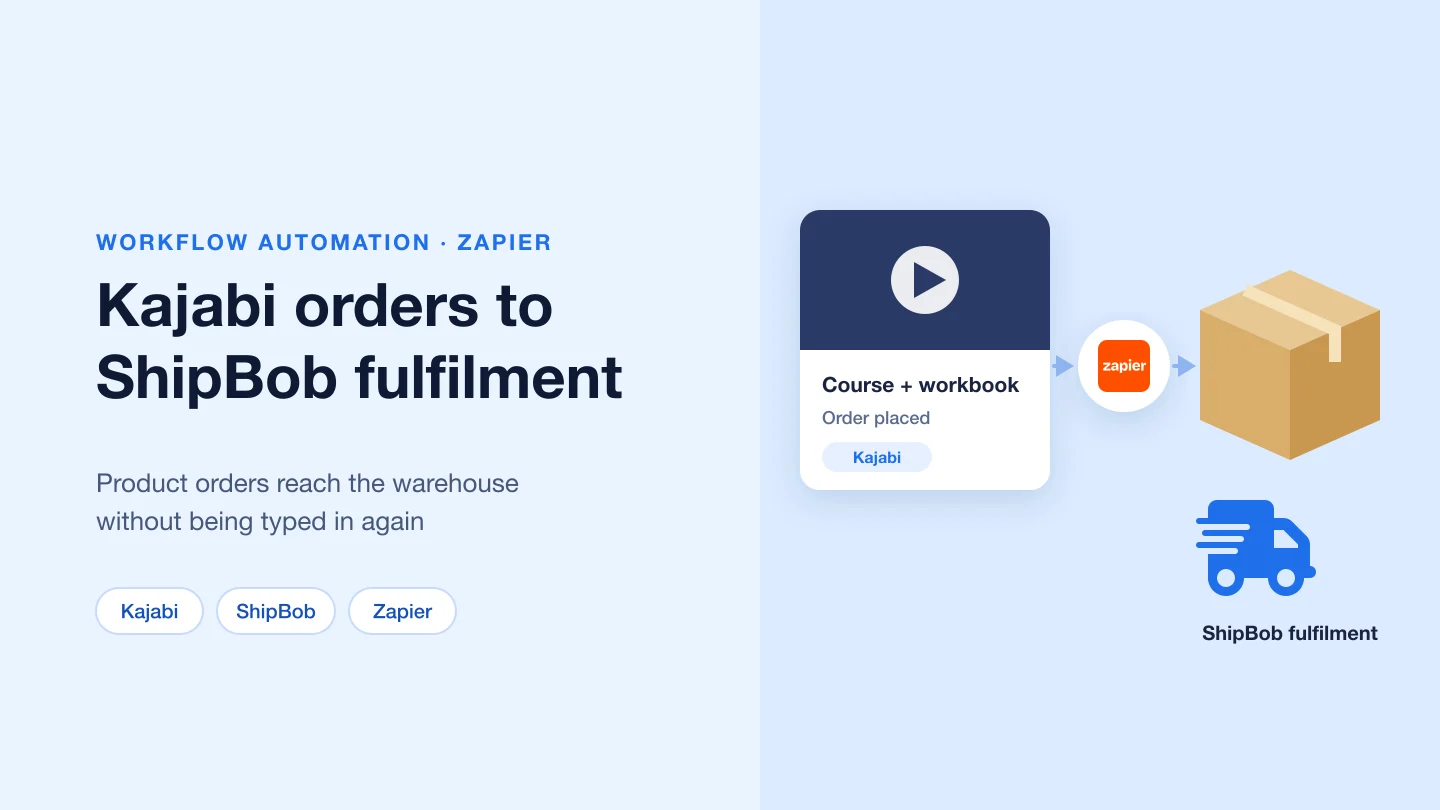
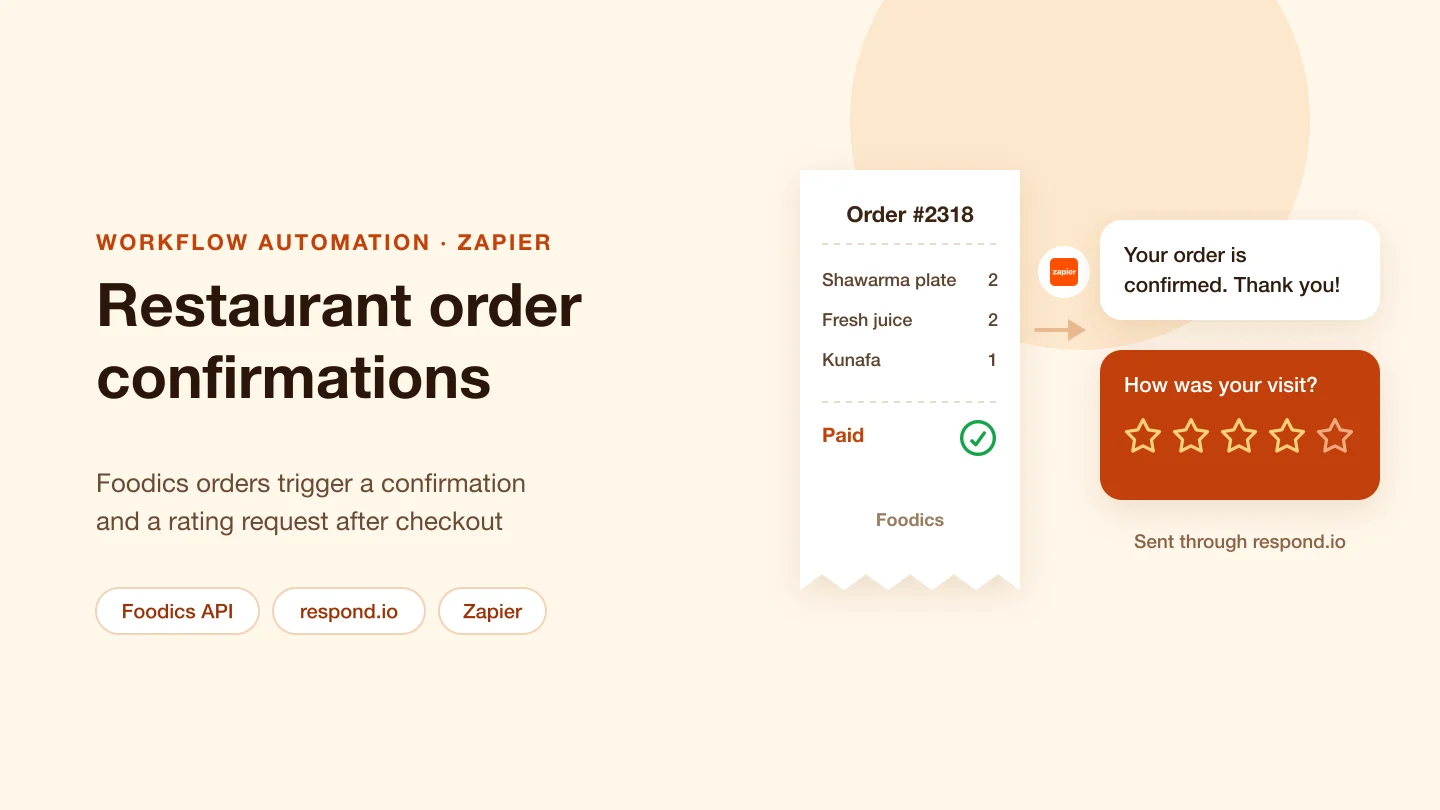
Orders from Kajabi pass to ShipBob through Zapier. For a restaurant, orders from the Foodics order API trigger confirmation messages sent through respond.io.

A web app connected to Zapier

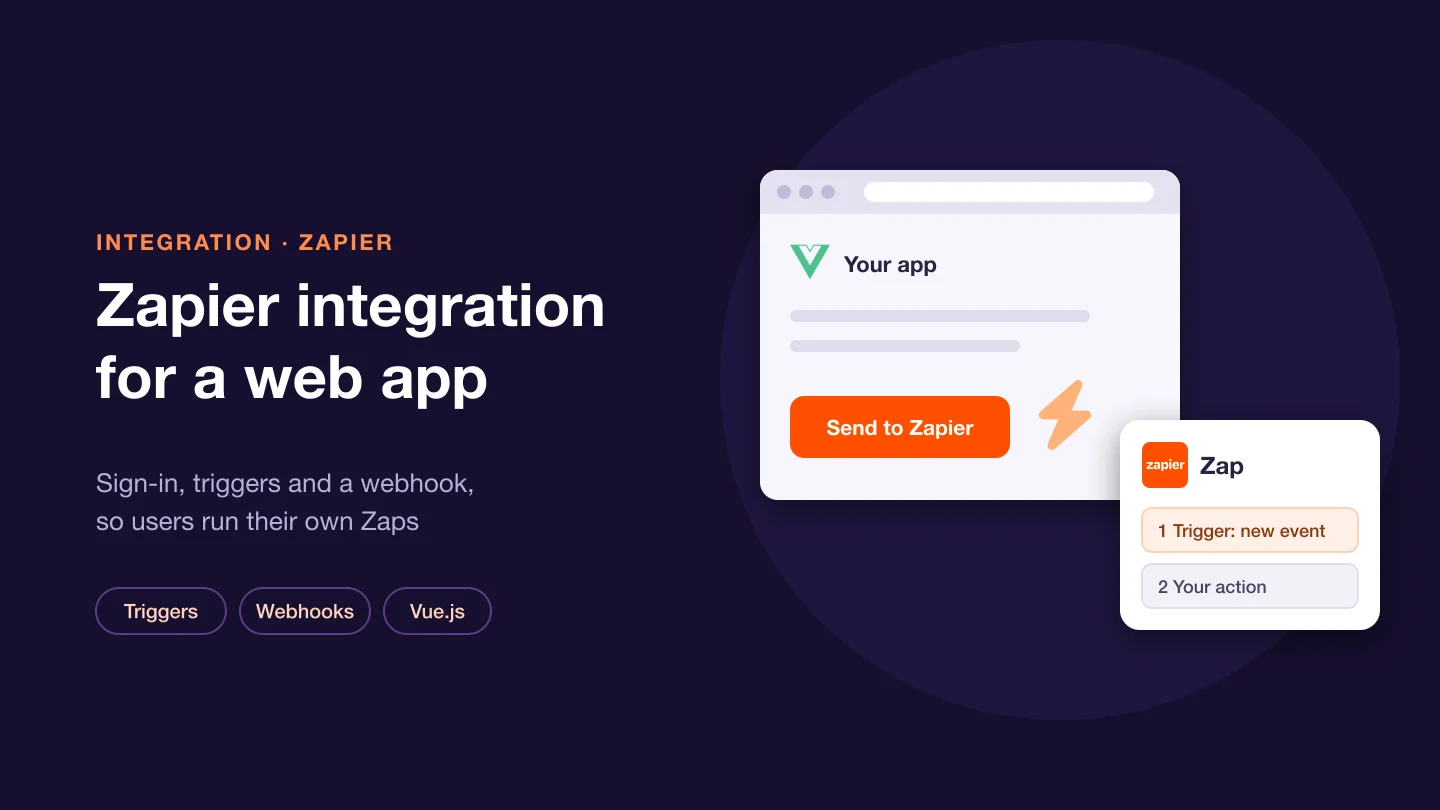
Authentication with Zapier, triggers, and a webhook fired from a button in the app, which has a Vue.js front end and a PHP back end.

CRM texting and Zap repairs

Twilio SMS from Pipedrive CRM through Zapier. Failing Zaps and webhooks between ClickUp and a web app, found and fixed. Zap changes after demo sign-ups.

What Zapier gives you, and what makes a Zap dependable

A Zap starts from a trigger. Most triggers poll: Zapier checks the app for new items and runs the Zap for each ID it has not seen. Instant triggers receive data by webhook as soon as the event happens. A Zap with more than one action, or with filters or searches, is a multi-step Zap. Filters stop the run when data does not meet a condition. Paths send data down different branches, run left to right, and can end in a fallback branch. Formatter changes text, numbers and dates, and maps values with lookup tables. Delay holds a run for a set time or until a date, or queues runs one at a time for apps that accept data slowly. Webhooks by Zapier gives your own system a unique URL: Catch Hook parses the body, and Catch Raw Hook passes the raw body and headers. A request carrying an array of objects can run the Zap once per object.

  • Task usage: each successful action is a task. Triggers, filters, paths, Formatter and Delay steps do not count, and neither do actions that error.
  • Error handlers: a step can have its own error path that runs only when it fails, with the error message available to later steps. Zapier sends no error email when a handler runs, and autoreplay is turned off for that Zap, so the handler must alert someone.
  • Replay: errored runs can be replayed by hand, or automatically with autoreplay. Replaying a whole run reruns every step, including the trigger, and its successful steps count as tasks again.
  • Held runs: when the task limit is reached, new runs are held and can be replayed later. We check usage before a busy period, not after.
  • Splitting work: when one run would fetch many records, we split it across several Zaps or move the fetch into your own service.

Not sure which tool fits? See how we choose between Zapier, Make, n8n and custom code.

Building a Zapier integration for your product

  • Platform UI or CLI: the Platform UI is a browser-based editor, and the Platform CLI builds the integration locally in JavaScript, with Git and automated tests. A UI integration can be exported to the CLI. Going back is not direct.
  • Authentication: the Platform UI supports API key, OAuth v2, session, basic and digest authentication. Zapier prefers OAuth v2 where possible. Custom schemes need the CLI.
  • Polling triggers: your endpoint returns items newest first, and Zapier deduplicates them on their ID. Changing the ID format makes old records fire again.
  • REST hook triggers: Zapier calls your subscribe endpoint when a Zap is turned on and your unsubscribe endpoint when it is turned off. Your app posts each event to the URL stored for that Zap, and stops when Zapier answers 410. A sample-data endpoint lets users map fields in the editor, and public integrations must have one.
  • Actions and searches: each must answer within 30 seconds. Longer work uses Zapier's callback service, and the step waits until your app posts the result.
  • Publishing: a public listing is for the company that owns the API or developers it contracts. The app must be fully launched, Zapier needs a test account, and every trigger, action and search must have a live test Zap with a successful run. Otherwise the integration stays private.

How we work

  1. Map the flow and the volume: which events, which apps and roughly how many runs a month, because every successful action is a task
  2. Build with failure in mind: error handlers on steps that call other systems, an alert when one runs, and a replay plan
  3. Test with real records: including duplicates, empty fields and the old data a trigger will not pick up
  4. Hand over properly: each Zap named and documented, with notes on reading Zap history and replaying a failed run

What clients say

Jatinder has been a valuable team player and leader for us as we worked to develop our revolutionary technology. Recently, we integrated our software into Oracle's technology and our code went through and passed the Oracle review process for certification which is in large part due to Jatinder's talent, attention to detail and professionalism.

The highest recommendation for our software developers is to rehire them for future projects and Jatinder has earned this recognition more than any software developer on our team. We look forward to continuing to work with Jatinder in the future and delighted to be able to leave this positive feedback for him today as it has been so well deserved.

Micky T.Platform development and Oracle certification · 2012–17

Manjinder has been great to work with on our project. He has been with us for over 3,000 hours of work and is one of the best programmers we have worked with on a project (we have worked with over 50 developers.) I highly recommend Manjinder from both a professional and personal level. He possesses superb ASP.net and SQL skills plus great communications skills making him the ideal candidate for any small, medium or large-scale development project.

Micky T.ASP.NET and SQL web application · 2012–14

Sarbjit did a great job moving our public blog from BlogEngine.NET to Wordpress. This migration contained a lot of complexities, users, comments and database structure that had to be moved and Sarbjit handled it masterfully. Thanks Sarbjit!

Micky T.Blog migration from BlogEngine.NET to WordPress · 2013

Related technologies

Technologies that appear alongside Zapier in our case studies. Select one to see our work with it.

Frequently asked questions

Do filters and paths use tasks?

No. Triggers, Filter and Paths steps, and built-in tools such as Formatter and Delay, do not count toward task usage. Each successful action does, including actions in an error handler path and steps rerun when you replay a whole run.

What happens when a Zap step fails?

The run errors and shows in Zap history. Errored runs can be replayed by hand, or automatically with autoreplay. If the step has an error handler, its error path runs instead. Zapier then sends no error email and turns autoreplay off for that Zap, so the handler should alert someone.

Can our product have its own Zapier integration?

Yes. It is built on the Zapier Platform, in the browser-based Platform UI or with the Platform CLI, and defines authentication, triggers, actions and searches. A public listing is for the company that owns the API or developers it contracts, and it must meet Zapier's publishing requirements. Otherwise the integration stays private.

When should a flow move from Zapier to code?

When a step needs more than 30 seconds, when the logic outgrows the step and nesting limits, when volume makes task usage the main cost, or when the logic needs tests and version control. Often we keep Zapier for the app-to-app edges and move the core logic into your own service, which Zapier calls through a webhook.

How can we work together?

There are three ways, on the same terms:

  • Dedicated team, best for ongoing work: interview the developers, then they work on your project full or part time.
  • Fixed scope, best when requirements are clear: we agree the scope and the price up front, and deliver against it.
  • Time and material, best when the scope will change: you pay for the time used and can change priorities as the work goes on.

Whichever you choose, we sign an NDA before work starts, you own the code we write, and every change is reviewed in your repository.

Can I interview the developers before we start?

Yes. For a dedicated team you meet the developers in an online call and interview them before they join your project.

Automating a workflow with Zapier?

Tell us which apps, which events and roughly how many runs a month. We will say whether Zapier fits and how to build it so failures are visible.

Tell us about your project

Tell us what you need built, fixed or improved. We come back with questions, a suggested approach and an estimate.