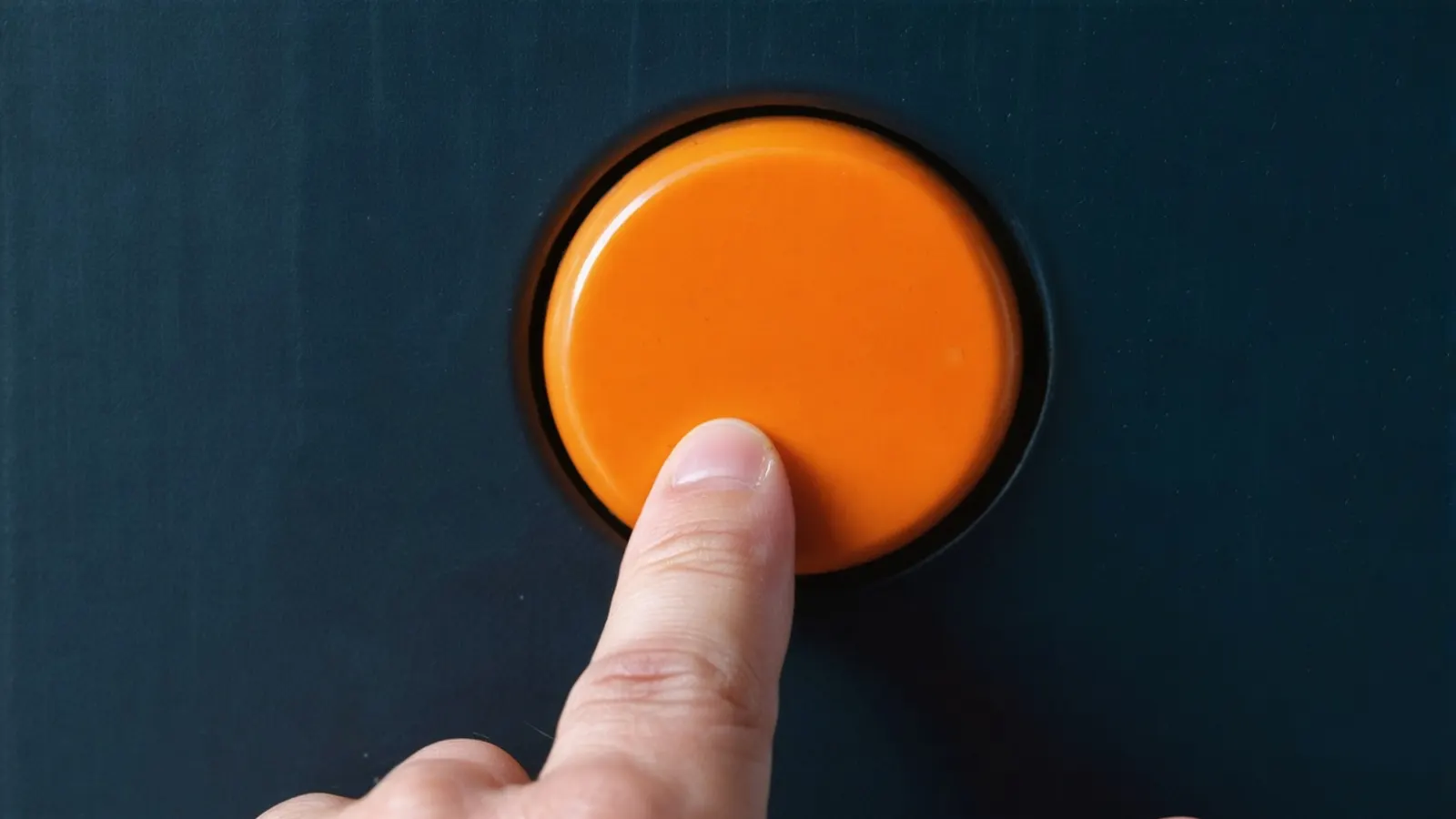
A call-to-action button converts when people notice it, understand exactly what will happen when they press it, and can press it easily on any device. Accessibility rules and conversion advice point the same way here: specific wording, strong contrast, a target big enough to tap, a visible focus state and a button that is not hidden behind a banner. Under WCAG 2.2, button text needs a contrast ratio of at least 4.5:1 (3:1 for large text), and targets should be at least 24 by 24 CSS pixels; then test wording and placement on your own traffic rather than trusting colour myths.
Key takeaways
- Say what happens next: "Get a fixed quote", "Book a 20-minute call", "Download the price list". Nielsen Norman Group found generic labels such as "Get Started" pull people away from what they came for.
- The visible label should be the start of the button's accessible name (WCAG 2.5.3), so people using voice control can say what they see.
- Contrast: 4.5:1 for normal-size button text and 3:1 for large text (WCAG 1.4.3); 3:1 for a button's edge when the edge is the only thing that shows it is a button (WCAG 1.4.11).
- Size: at least 24 by 24 CSS pixels at level AA (WCAG 2.5.8); 44 by 44 is the stricter AAA level; Google's Android guidance recommends 48 by 48 dp with 8 dp spacing.
- There is no "best" button colour. Contrast with its surroundings matters; the hue does not, and claims that green or orange always win are not evidence.
What makes a good CTA label?
A label that states the outcome and the commitment. The earlier version of this article recommended action-oriented, concise text that shows the visitor's benefit, not yours. That still holds, with one refinement from usability research: be specific. Nielsen Norman Group's study of "Get Started" buttons found that the phrase is so generic it draws clicks away from more relevant content, and recommended labels that "state precisely what users should expect", such as naming the quiz or the call the button leads to.
| Weak | Better | Why |
|---|---|---|
| Submit | Send my enquiry | Says what the form does |
| Get started | Get a fixed-price quote | Names the outcome |
| Learn more | See pricing for clinics | Tells people where they will land |
| Click here | Download the 12-page guide (PDF) | Sets expectations about format and length |
| Sign up | Start a 14-day trial, no card needed | Answers the commitment question (only if true) |
Keep the promise. A label that over-promises may lift clicks once but costs trust on the next page. If the button opens a form, the form's heading should repeat the label.
Button or link: does it matter?
Yes, for people using assistive technology and keyboards. Use a real button element for actions on the page (submit, add to cart, open a dialog) and a link for going to another page, even if both are styled as buttons. Screen readers announce them differently, and keyboards activate them differently: a link with Enter, a button with Enter or Space. WCAG 4.1.2 requires the name and role of a control to be available to assistive technology, which native elements give you for free.
For the accessible name, WCAG 2.5.3 (Label in Name, level A) requires the name to contain the visible text, and the W3C's guidance calls it best practice to put the visible text at the start. If a button reads "Book a call" but its hidden label says "Schedule consultation with our team", a voice-control user who says "click Book a call" may get nothing.
How much contrast does a CTA button need?
Enough to pass two different WCAG criteria, which people often confuse:
| What | Criterion | Minimum |
|---|---|---|
| Text on the button against the button colour | 1.4.3 Contrast (Minimum), AA | 4.5:1; 3:1 for large text (at least 18 point, or 14 point bold) |
| The button's shape against the page background | 1.4.11 Non-text Contrast, AA | 3:1, but only when the boundary is the only way to see it is a control |
| The keyboard focus indicator | 1.4.11 | 3:1 against the adjacent colours |
A worked example with one mid-orange, #f3723a, calculated with the WCAG contrast formula: white text on it gives about 2.9:1, which fails even the large-text minimum. Dark navy text (#242c39) on the same orange gives about 4.9:1, which passes for any text size. The colour can stay; the text colour has to change. Pale grey "ghost" buttons fail in the same way: light grey #cccccc on white is about 1.6:1.
The old advice in this article that "green and orange perform best" had no source, and we have not found good evidence for any universal winning colour. What helps a button stand out is contrast with what surrounds it and the absence of competing buttons that look the same.
How big should buttons be, and how far apart?
At least 24 by 24 CSS pixels under WCAG 2.2 success criterion 2.5.8 (level AA), unless the target has enough spacing around it, is inline in a sentence, or one of the other listed exceptions applies. The stricter level AAA criterion 2.5.5 asks for 44 by 44 CSS pixels, and the W3C suggests aiming for it on important controls. Google's Android accessibility guidance recommends touch targets of at least 48 by 48 dp, separated by at least 8 dp.
For a primary CTA, these are floors, not targets. A full-width button on a phone, with clear space around it, is easy to hit with a thumb and hard to miss. Keep destructive or secondary actions ("Cancel", "Clear form") visibly different and not directly next to the main button.
Where should the main CTA go?
Where the decision happens. Put the primary action in the first screen when the offer is simple and the visitor already knows what they want (most ad traffic). For a considered purchase, repeat it after the explanation, pricing and proof, so people can act when they are ready. One primary action per page is easier to see than three of equal weight; use a quieter style for secondary actions.
Two accessibility rules affect placement:
- Focus Visible (2.4.7, AA): keyboard users must be able to see which element has focus. Never remove the browser's focus outline without replacing it with a clear one.
- Focus Not Obscured (2.4.11, AA, new in WCAG 2.2): a focused element must not be entirely hidden by content you added. Sticky headers, chat widgets and cookie banners commonly cover the button a keyboard user has just tabbed to.
Our landing page checklist covers the rest of the page around the button: forms, proof and tracking.
Should a button look like a button?
Yes. Nielsen Norman Group's research on flat design found that removing visual cues such as shape and depth makes it harder for people to tell what is clickable, and recommended keeping a recognisable button shape (a rectangle, ideally with rounded corners) even in minimal designs. The same article warns against the reverse mistake: styling headings or labels with background colours so they look like buttons. Keep every button styled the same way across the site, so people learn it once. Our article on UX and UI design trends in 2026 covers how current interface styles handle this.
How do you test whether a CTA change works?
Change one thing that you have a reason to change, measure the action that matters (a submitted enquiry, not a button click), and run the test long enough to reach a sample you can trust. Wording and placement changes usually matter more than shade or corner radius. Small sites often do not have the traffic for a meaningful A/B test; our guide to A/B testing for small and mid-size websites explains sample size and when to make the change without testing.
Check accessibility before any test goes live: contrast, target size, keyboard focus and the accessible name. A variant that fails them is not a valid winner, because it excludes some of the people you are measuring. If you are in Ontario, the AODA requires public sector organisations, and businesses and non-profits with 50 or more employees, to meet WCAG 2.0 level AA on their public websites; WCAG 2.2 AA covers those criteria and more. This is general information, not legal advice. Our website design team and our conversion rate optimisation service build these checks into design reviews.
FAQ
What colour should my CTA button be?
One that contrasts clearly with the page and with its own text, and that no other element on the page uses. There is no universally best hue. Check button text at 4.5:1 or more.
How big should a CTA button be on mobile?
At least 24 by 24 CSS pixels to meet WCAG 2.2 level AA, 44 by 44 for level AAA, and 48 by 48 dp in Google's Android guidance. Primary buttons on phones are usually much larger, often full width.
Is "Click here" bad for accessibility?
It is vague for everyone and unhelpful for screen-reader users who move between links and buttons out of context. Use a label that names the destination or outcome.
Should I disable the submit button until the form is complete?
It often confuses people, because they cannot tell what is missing. A clearer pattern is to keep the button active and show specific error messages next to the fields on submit.
Do icon-only buttons meet accessibility rules?
They can, if they have an accessible name, a target of at least 24 by 24 CSS pixels and an icon with 3:1 contrast. For a primary action, a visible text label is clearer.
Sources (9 links)
- W3C, Web Content Accessibility Guidelines (WCAG) 2.2, W3C Recommendation 12 December 2024: https://www.w3.org/TR/WCAG22/
- W3C WAI, Understanding SC 1.4.11 Non-text Contrast: https://www.w3.org/WAI/WCAG22/Understanding/non-text-contrast.html
- W3C WAI, Understanding SC 2.5.8 Target Size (Minimum): https://www.w3.org/WAI/WCAG22/Understanding/target-size-minimum.html
- W3C WAI, Understanding SC 2.5.5 Target Size (Enhanced): https://www.w3.org/WAI/WCAG22/Understanding/target-size-enhanced.html
- W3C WAI, Understanding SC 2.5.3 Label in Name: https://www.w3.org/WAI/WCAG22/Understanding/label-in-name.html
- Google, Android Accessibility Help, Touch target size: https://support.google.com/accessibility/android/answer/7101858
- Nielsen Norman Group, "'Get Started' Stops Users" (2017): https://www.nngroup.com/articles/get-started/
- Nielsen Norman Group, "Beyond Blue Links: Making Clickable Elements Recognizable" (2015): https://www.nngroup.com/articles/clickable-elements/
- Government of Ontario, How to make websites accessible: https://www.ontario.ca/page/how-make-websites-accessible