Validate an app idea by testing the riskiest assumption first, as cheaply as you can, before anyone writes production code. In practice that means talking to the people who have the problem, checking whether they will take a real step (sign up, pre-order, pay a deposit), testing a clickable prototype with a handful of them, and only then building the smallest version and putting it in front of testers through TestFlight or Google Play's testing tracks. Decide in advance what result would make you stop, change course or build.
Key takeaways
- A list of "best app ideas" tells you what worked for someone else. Whether your idea works depends on a specific group of people, a problem they already spend time or money on, and a way to reach them.
- Ask people what they did the last time they had the problem, not whether they would use your app. Past behaviour is evidence; polite enthusiasm is not.
- Test demand with a real action, such as a waitlist sign-up or a pre-order, and be honest on the page about what exists today.
- Nielsen Norman Group's guidance is to test prototypes with about five users per round and to run several small rounds rather than one large one.
- Plan for store rules early: Apple rejects apps that are little more than a repackaged website or are indistinguishable from what is already available, and new personal Google Play accounts must run a closed test with at least 12 testers for 14 days before publishing.
Why validate before you build?
Because building is the most expensive way to find out you were wrong. An app needs design, development for one or two platforms, a backend, store listings, testing and ongoing updates. If the core assumption is false (people do not have the problem, do not care enough, or will not find the app), all of that work is lost.
The earlier version of this article listed popular app categories: social, payments, food delivery, healthcare, augmented reality, restaurant booking and gift delivery. Those categories still exist, but most are crowded and dominated by large players, and a category is not a business. The useful question is not "which idea is popular?" but "what evidence do I have that this group of people will use and pay for this?"
What exactly are you validating?
Most app ideas rest on four or five assumptions. Write them down and rank them by how much damage it would do if each one were wrong.
| Assumption | Question to answer | Cheap way to test it |
|---|---|---|
| Problem | Do people have this problem often enough to care? | 8 to 10 problem interviews |
| People | Who exactly has it, and can you reach them? | Find 10 of them through the channel you plan to use |
| Demand | Will they take a real step, not just say yes? | Waitlist, pre-order or deposit page |
| Solution | Does your design actually solve it, and can they use it? | Clickable prototype, five users per round |
| Business | Will the money work (price, fees, cost to acquire a user)? | A simple spreadsheet with sourced costs |
| Feasibility | Can it be built and approved by the stores? | A technical spike and a check of store guidelines |
Start with the assumption at the top of your ranking. A beautiful prototype does not help if nobody has the problem.
How do you test the problem with interviews?
Talk one to one with people you believe have the problem, ideally in their setting. Ask about the last time it happened: what they did, what it cost them in time or money, what they tried, and what they use today. Listen for workarounds, such as spreadsheets, WhatsApp groups or paper notes. A workaround means the problem is real enough that someone has already spent effort on it.
Avoid leading questions such as "Would you use an app that...?" Almost everyone says yes to be polite. Do not pitch during the interview; you are there to learn, not to sell. Our guide to user research for mobile apps covers interview, observation and survey methods in more detail.
How do you test demand without building the app?
Ask for a real action. Three common ways:
- A waitlist page. One page that describes the problem, the promised outcome and who it is for, with a sign-up form. Send traffic from the channel you would actually use (a community, search ads, social posts) and measure how many visitors sign up.
- A pre-order or deposit. Stronger evidence than an email address, because it costs the person something. Make refunds clear.
- A manual service. Deliver the outcome by hand, with a form and a spreadsheet, to a few customers. If people will not use it when a person does the work, an app will not change that.
Be honest. Say on the page that the app is in development and what people will get when they sign up. If you collect emails, ask for consent and follow the privacy rules that apply to you. A test built on a misleading page tells you nothing about the real product and damages trust before you launch.
Once the app is in the Play Console, Google Play also offers pre-registration: people can register interest from the store listing, get a notification at launch and, on eligible devices, have the app installed automatically. A pre-registration campaign can last up to 90 days per country before you must launch, so treat it as a launch tool rather than an early validation step.
How do you test the solution with a prototype?
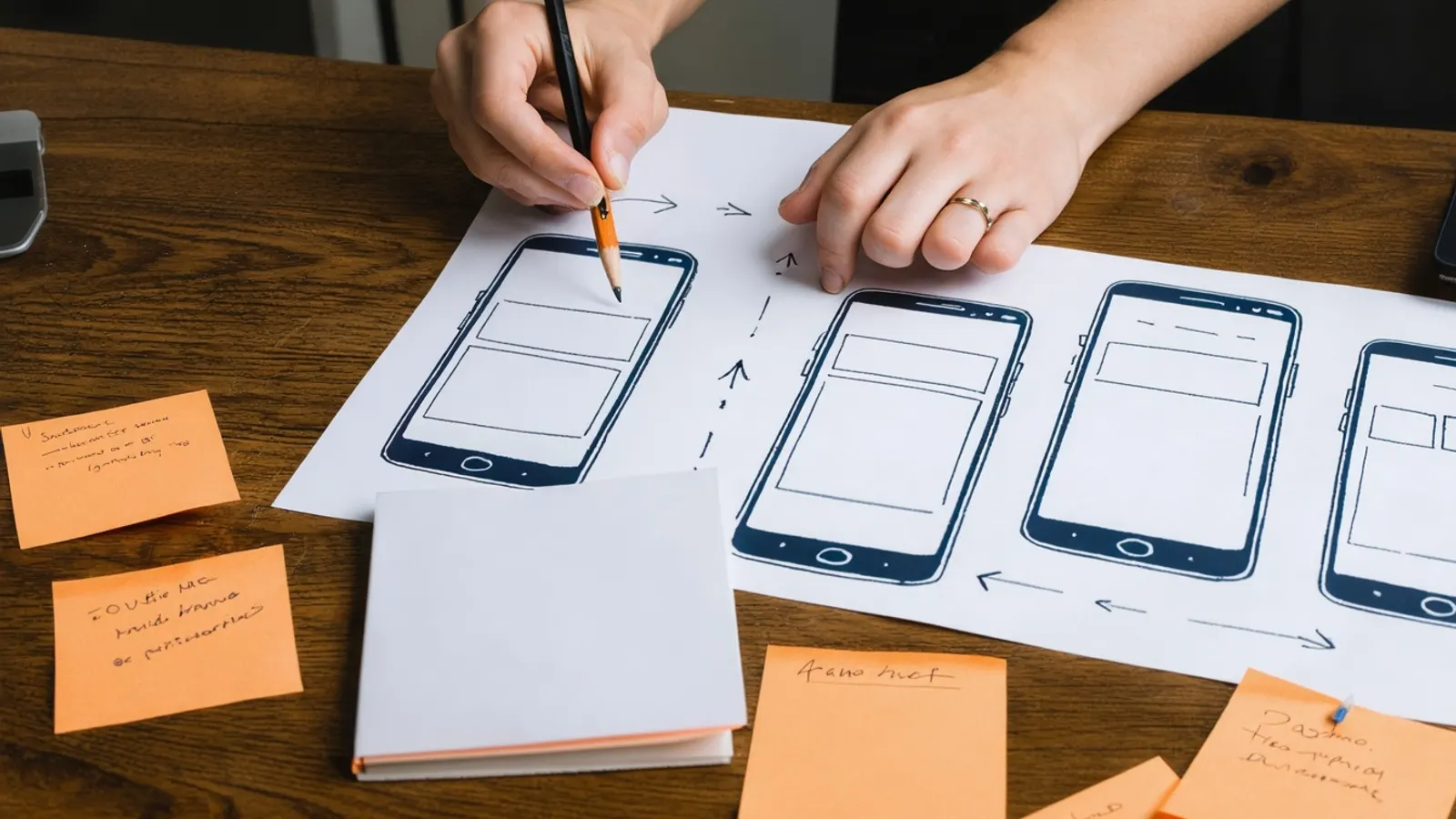
Build a clickable prototype of the main task (a design tool is enough; no code is needed) and watch representative users try to complete it without help. Nielsen Norman Group's guidance is about five users per round: most of the usability problems show up in the first few sessions, so fix what you find and test again. If you have clearly different user groups, such as customers and staff, test each group.
Watch what people do, not just what they say. Hesitation, wrong taps and abandoned tasks are the findings. Ask at the end whether they would use it instead of what they do today, and treat a vague answer as a no.
If the idea relies on an AI feature, test it with realistic inputs, including unclear and unusual ones, and check two things early: how often the answers are wrong, and what each use will cost you to run. Our overview of LLM features and on-device models in mobile apps explains the main options.
What does the smallest real test look like?
Build only the one task that proves the value, then put it in front of real testers before a public launch.
| Platform | Testing option | Limits from the vendor's documentation |
|---|---|---|
| iOS | TestFlight | Up to 100 internal testers from your team and up to 10,000 external testers |
| Android | Internal testing track | Up to 100 testers |
| Android | Closed testing track | A limited group you choose; new personal accounts need at least 12 testers opted in for 14 continuous days before publishing to production |
| Android | Open testing track | Anyone on Google Play can join from the store listing |
The Google Play requirement applies to personal developer accounts created after 13 November 2023. If a tester opts out before the 14 days are up, they no longer count, so recruit more than 12. Measure what testers do in the app (sign-ups, the core task completed, return visits) and talk to the ones who stopped.
Will the app stores accept it?
Check the store rules before you build, not after. Apple's App Store Review Guidelines say an app "should include features, content, and UI that elevate it beyond a repackaged website" (guideline 4.2), and that you should not submit apps "indistinguishable from what's already widely available" (guideline 4.3). Submissions must be final versions with working links and no placeholder content (guideline 2.1).
If your idea is mainly content or a form, a fast mobile website may serve users better and avoid the review question altogether. If it needs the camera, notifications, offline use, location or payments inside the app, an app is easier to justify. Monetisation also has store rules; our article on ways to monetise an app covers the main models.
When should you stop, change or build?
Write your decision rules before each test, for example: "If fewer than half of the people we interview describe a workaround, we change the target user", or "If the waitlist page converts poorly from the channel we plan to use, we test a different message before building." Pick thresholds that make sense for your market and price; there is no universal benchmark, and numbers quoted without context are not worth much.
Three outcomes are all useful:
- Stop: the problem is rare or minor, or people already use something good enough.
- Change: the problem is real but the user, channel or solution is wrong. Adjust one thing and test again.
- Build: people describe the problem unprompted, take a real step and can use the prototype. Build the smallest version, then plan how people will find it; our guide to app marketing covers store listings and launch.
When you are ready to build, our app development team can take the validated scope from prototype to release, and our article on hiring an app development company lists what to check before you sign with anyone.
FAQ
How long does it take to validate an app idea?
It depends on how easy your users are to reach. Interviews and a waitlist page can be done in a few weeks; a prototype round adds time for design and sessions. A new personal Google Play account also needs at least 14 days of closed testing before a public release.
Do I need a developer to validate an idea?
Not for the first steps. Interviews, a waitlist page and a clickable prototype need no production code. You need a developer for a technical spike on anything uncertain (an integration, an AI feature, offline sync) and for the first testable build.
Is a waitlist sign-up enough proof?
It is weak proof on its own, because an email address costs nothing. A pre-order, a deposit or people using a manual version of the service is stronger evidence. Combine sign-ups with interviews.
How many people should test the prototype?
About five per round, according to Nielsen Norman Group, with fixes between rounds. Test each distinct user group separately.
Should I build for iOS and Android at the same time?
Not necessarily. Many teams validate on one platform first, chosen by where their users are, then add the second. A cross-platform framework can keep the second platform cheaper later.
Can Apple reject an app that is mostly a website?
Yes. Guideline 4.2 says an app should offer features, content and interface that go beyond a repackaged website. Plan app-specific value from the start.
Sources (6 links)
- Apple, App Store Review Guidelines (2.1 App Completeness, 4.2 Minimum Functionality, 4.3 Spam): https://developer.apple.com/app-store/review/guidelines/
- Apple Developer, TestFlight (internal and external tester limits): https://developer.apple.com/testflight/
- Google Play Console Help, App testing requirements for new personal developer accounts: https://support.google.com/googleplay/android-developer/answer/14151465
- Google Play Console Help, Set up an open, closed, or internal test: https://support.google.com/googleplay/android-developer/answer/9859348
- Google Play Console Help, Build awareness for your apps with pre-registration: https://support.google.com/googleplay/android-developer/answer/9859047
- Nielsen Norman Group, "Why You Only Need to Test with 5 Users": https://www.nngroup.com/articles/why-you-only-need-to-test-with-5-users/