
AI chatbot for your website, set up on your own content
A chatbot built on the engine we already run for an online store, a US city and a self-storage operator. It answers from your website, FAQs and documents, shows where each answer came from and hands difficult questions to your team. We set it up on your content and systems instead of building one from scratch.
Price on request. We host it, or install it in your own cloud account.
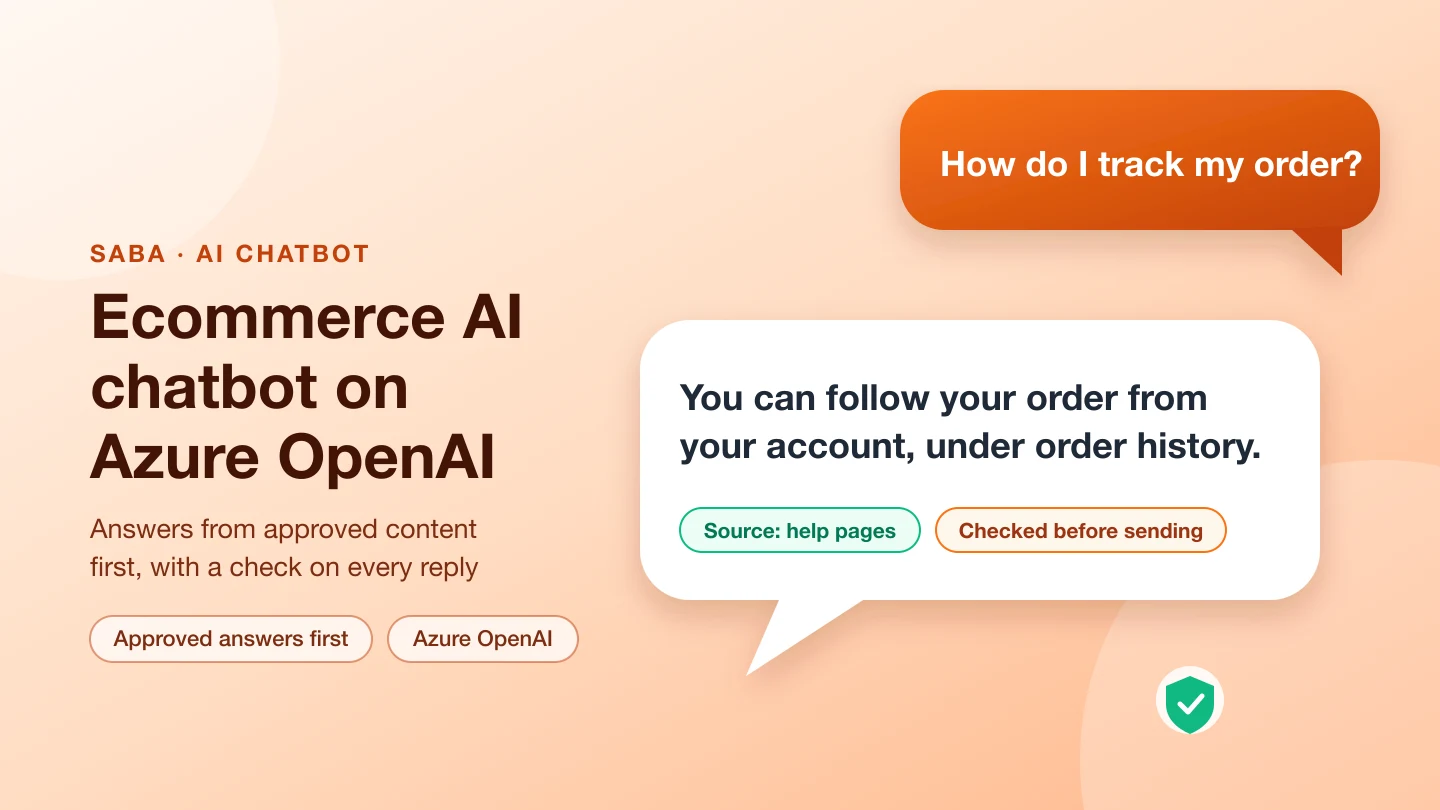
- Answers from your website, FAQs and documents, with sources
- Approved answers first, guards for prices and risky wording
- Hand-off to your team, and lookups in your own systems
- Hosted by us, or installed in your own cloud account
Who it is for
Businesses that answer the same questions every day and want visitors to get a correct answer at any hour:
- Online stores: products, orders, delivery and returns.
- Service businesses: what you offer, prices you publish, bookings and quotes.
- Public bodies and associations: rules, forms and which department to contact.
- Any site where a wrong answer is costly, so answers must come from approved content and show their source.
When you need something more
If the assistant has to take actions across several systems, follow a regulated process or live inside your own product, we extend it or build one to order. See AI assistants and chatbots and AI agents. Our article AI chatbot for your website: an off-the-shelf tool or a custom build? explains the trade-offs.
What is included
Answers from your content
Your website pages, FAQs and documents are indexed every night. The model answers only from what it retrieves, and each answer shows its source.Approved answers first
Questions you have answered already get your exact wording. You choose which topics are answered as written, with a disclaimer, as a link only or held for review.Guards you control
Checks that remove quoted prices, claims you do not allow, foreign links and leaked instructions before a reply is sent.Hand-off and your systems
Hand difficult questions to your team by email, SMS or your CRM, and connect bookings, quotes, availability or order lookups.Photos and video
Where it helps, visitors can send a photo or video: our self-storage chatbot lists the items it sees and estimates the space needed.Widget and admin
A chat widget you can embed on any site, and an admin page for the questions, answers and prompts the chatbot uses.How it works
How the chatbot answers a question
Simplified diagram. The model and the systems it connects to are chosen for your setup.
- A visitor asks a question in the chat widget on your website, and can add a photo or video where that helps.
- The chatbot checks your approved answers first. If one fits, the visitor gets it in your exact wording.
- If none fits, it searches your pages, FAQs and documents and passes the relevant passages to the AI model.
- The AI model drafts a reply only from those passages, and the answer guard removes prices and claims you do not allow.
- The visitor sees the answer with its sources. Questions the chatbot should not answer go to your team by email, SMS or your CRM.
See the detailed flow: every part and how it connects
From a question to a checked answer
Simplified diagram. The model and the systems it connects to are chosen for your setup.
- A visitor asks a question in the chat widget on your website, and can add a photo or video where that helps.
- The chat engine answers greetings and questions you have fixed replies for, then searches an index of your approved answers and website content. A clear approved answer is returned in your exact wording.
- If no approved answer fits, the AI model drafts a reply only from the passages it found. Where you allow it, the chatbot looks things up in your systems: availability, quotes or an order.
- An answer guard removes prices and claims you do not allow before the widget shows the reply with its sources. Questions it should not answer go to your team by email, SMS or your CRM.
- Every night an ingest job reads your pages, FAQs and documents and refreshes the index. Your team edits approved answers and prompts in the admin.
How setup works
- Demo call. We show the chatbot working and ask what visitors ask you most.
- Your content. We load your pages, FAQs and documents, and agree which answers must be given word for word.
- Your systems. We connect the lookups and hand-offs you want: bookings, quotes, orders, your CRM or inbox.
- Testing. We test it with real questions from your business, including the ones it must refuse or hand over.
- Launch. The widget goes on your site.
- Improve. We review conversations with you and add answers where visitors got stuck.
Hosting, ownership and price
Two ways to run it:
- We host it and look after it for a monthly fee.
- We install it in your own cloud account (Microsoft Azure, AWS or Google Cloud), so the data and the model account are yours.
Price is on request, because it depends on how much content there is, which systems it connects to, the number of conversations and the model you choose. We give you a quote after the demo call.
Where it runs today
- Ecommerce AI chatbot on Azure OpenAI: a supplement store's assistant with approved answers first and guards for health claims and prices.
- AI chatbot for city services: answers from a US city's ordinances with citations, address lookups on live map layers and department routing.
- Mammoth Self Storage: estimates storage space from a photo or video, finds the nearest site, quotes available units and hands off to booking.
Frequently asked questions
How is this different from tools such as Intercom Fin or Tidio Lyro?
Those tools work well for many sites and we say so. This chatbot is set up by us on your content and systems, can run in your own cloud account, and lets you decide exactly which answers are fixed and which topics are guarded. It suits businesses that need that control or custom lookups.
Which AI models does it use?
The builds we run use Azure OpenAI and Google's Gemini API. We choose the model with you, based on quality, cost and where your data may be processed.
Can it connect to our booking, order or CRM system?
Yes. Our self-storage chatbot reads unit availability and quotes from the operator's storage system and hands off to a pre-filled booking page. We connect the systems you need during setup.
Where is our data stored?
With the hosted option, in our cloud account; with the install option, in yours. Either way we use the model provider's business terms and tell you in writing whether prompts may be used for training.
How much does it cost?
Price is on request. It depends on the amount of content, the systems it connects to, the number of conversations and the model. Book a demo call and we will quote.
See the chatbot answer your questions
Book a demo call. We show it working and talk through what it would need for your site.
Book a demo or ask a question
Tell us about your business and what you want the solution to do. We reply with questions and a time for a demo call.