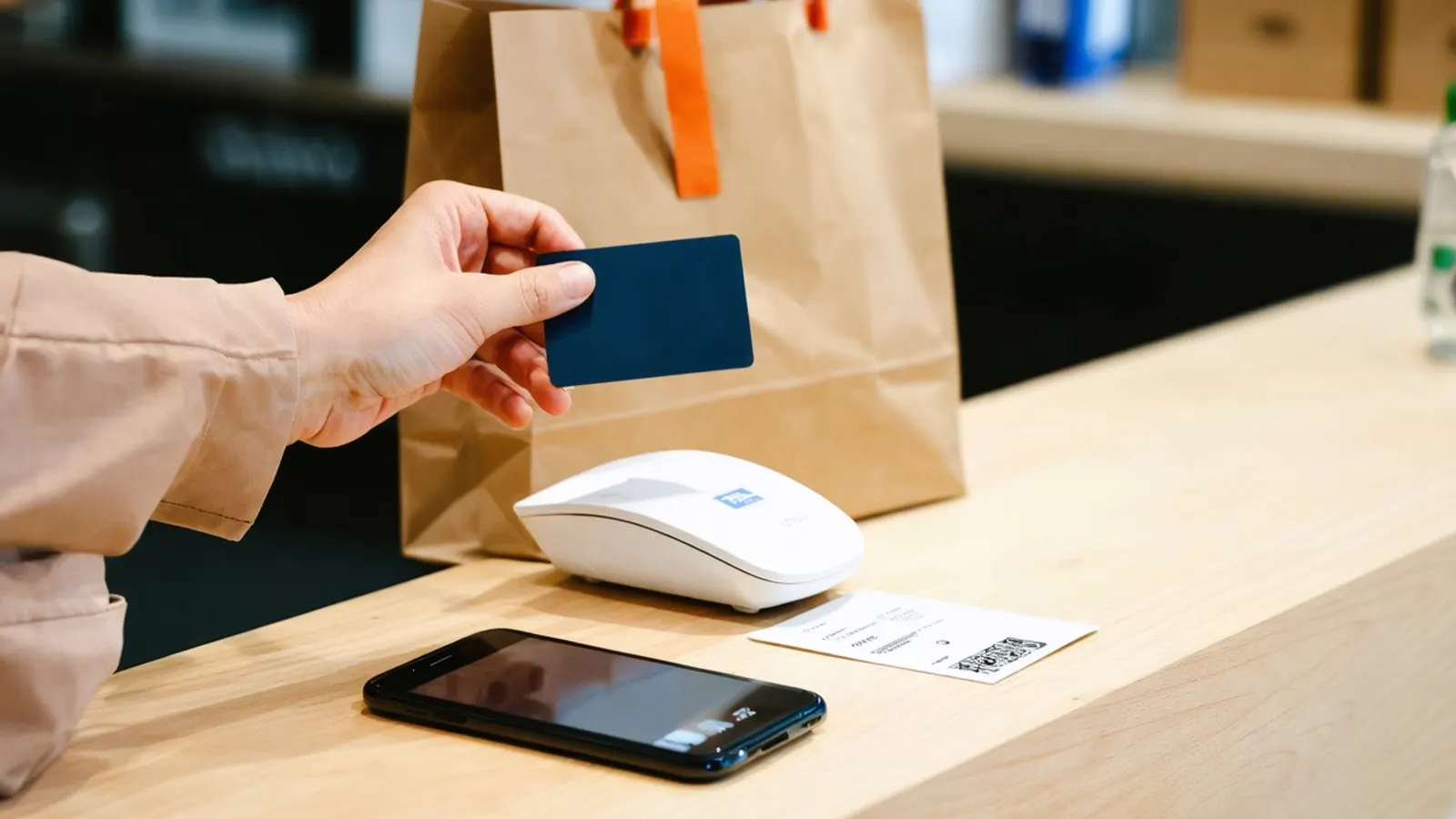
Building an ecommerce store starts with the offer, not the software. Decide what you sell and to whom, choose a platform that fits your catalogue and your team, prepare clean product information, set up payments, delivery and returns in plain terms, make the store fast and mobile friendly, mark up products so search engines can read them, and track the path from visit to order. Launch a smaller store and improve it with real data.
Key takeaways
- Choose the platform after you know your catalogue size, selling rules, markets and who will run the store day to day.
- Payments carry security duties: PCI DSS is the standard for entities that store, process or transmit payment account data. Using a payment provider that handles card data reduces what you must handle yourself, but check your obligations with your provider.
- Google's
Productstructured data has two forms: product snippets for pages where people cannot buy directly, and merchant listings for pages where customers can buy from you, with richer detail such as shipping and return policies. - Core Web Vitals targets: Largest Contentful Paint 2.5 seconds or less, Interaction to Next Paint 200 milliseconds or less, Cumulative Layout Shift 0.1 or less.
- Most shoppers leave at checkout for fixable reasons; see Nine expensive eCommerce mistakes.
Step 1: Define what you sell and to whom
Write down your products, your customers, the countries you will sell to, your prices and your margins, and what makes you different. A clear offer shapes everything after it: the platform, the content, the delivery options and the marketing. If you cannot say in one sentence why a customer would buy from you rather than from a large marketplace, solve that first.
Step 2: Choose a platform
| If you | Consider |
|---|---|
| Want a fast launch with a hosted service | A hosted platform such as Shopify or BigCommerce |
| Already run a WordPress site and want to add selling | WooCommerce |
| Have a large or complex catalogue, custom rules and heavy integrations | Magento / Adobe Commerce, with developers to run it |
| Need an unusual experience | A custom or headless build |
Compare total cost over three years, including fees, extensions, hosting, development and upgrades. Check that you can export your products, customers and orders if you ever leave.
Step 3: Prepare your product information
Good product data is half of a good store. For each product, gather clear titles, accurate descriptions based on real specifications, photos from several angles, sizes and variants, prices, stock levels and delivery details. Write for the shopper's questions: does it fit, what is it made of, how do I look after it. If you use AI to draft descriptions, give it verified specifications and have a person check every claim. See Content marketing for online stores.
Step 4: Set up payments securely
Offer the payment methods your customers use in each market, and show helpful messages when a payment fails. The PCI Security Standards Council develops the PCI DSS, which is meant for entities that store, process or transmit payment account data. The council does not enforce compliance itself; payment brands and acquirers manage compliance programmes. Using an established payment provider whose hosted fields or pages handle card details usually reduces your exposure, but ask your provider what you remain responsible for.
Step 5: Decide delivery, returns and tax
Customers leave when costs or terms surprise them. Decide your shipping options, prices and delivery times, your returns policy, and how tax and duties are calculated for each country. State all of it plainly on product pages and in the basket, and keep to it.
Step 6: Build a simple, fast checkout
Ask for as little data as possible, do not force an account before purchase, use autofill-friendly fields and validate as people type. Test the whole journey on a phone. Google's Core Web Vitals give targets for speed: loading in 2.5 seconds or less, interaction response in 200 milliseconds or less and layout shift of 0.1 or less, measured at the 75th percentile of page loads. See Web design that converts.
Step 7: Make the store findable
- Give every product and category its own page, a descriptive title and a readable URL; see SEO for a new website.
- Add
Productstructured data. Google says merchant listings are for pages where customers can buy from you, and that providing both structured data and a Merchant Center feed maximises eligibility for shopping features. Check the current required properties in Google's documentation and validate before launch. - Publish buying guides that answer pre-purchase questions.
- Set up your Google Business Profile if you also serve a local area.
Step 8: Add the legal and trust basics
Publish your business details, privacy policy, terms of sale and returns policy. Collect consent for marketing messages where the law requires it, and explain how you use customer data; see Customer retention in 2026. Show real reviews only, never fabricated ones; see Influencer marketing in 2026 for the rules on fake reviews in the US.
Step 9: Measure from day one
Set up analytics for the funnel: product view, add to basket, start checkout, payment, order. Record where orders come from, and review weekly at first. Decide in advance which numbers would make you change something.
Step 10: Launch small and improve
Launch with the products you can describe and deliver well. Ask early customers what was confusing, fix the top problem each week, then widen the range. Plan maintenance: updates, security patches, backups and a yearly review of costs.
Where does AI help?
AI can help with product copy drafts, search, recommendations and a support assistant that answers delivery and returns questions from your real policies. A person should review what customers see. Our AI for eCommerce page and eCommerce solutions describe how we help.
Why sell online at all?
An online store lets customers buy at any hour, reaches people outside your local area and gives you data about what customers want. It also brings costs and duties: delivery, returns, payments, security and customer service. Treat it as a business to run, not a website to launch.
FAQ
Which ecommerce platform is best?
There is no single best. Choose by catalogue size, selling rules, markets, integrations and who will run the store; compare total cost over three years.
Do I need to worry about PCI DSS?
PCI DSS is the payment card industry's security standard for entities that store, process or transmit payment account data. Ask your payment provider and acquirer what applies to you; hosted payment pages typically reduce your exposure.
How long does it take to build a store?
It depends on the platform, the number of products and how much is custom. A simple hosted store with prepared product data can launch far sooner than a custom build with integrations.
What structured data should products have?
Google documents Product markup, with merchant listings for pages where customers can buy from you. Check its documentation for current required properties.
Can I use AI to write product descriptions?
Yes, from verified specifications and with a person checking every claim.
Sources (4 links)
- Google Search Central, "Product structured data": https://developers.google.com/search/docs/appearance/structured-data/product
- PCI Security Standards Council, "About us": https://www.pcisecuritystandards.org/about_us/
- web.dev, "Web Vitals": https://web.dev/articles/vitals
- web.dev, "Payment and address form best practices": https://web.dev/articles/payment-and-address-form-best-practices