Visuals earn their place when they explain something faster than words, such as a process, a comparison or a set of numbers. To make them work for everyone and for search, put real, relevant images beside the text they support, use accurate alt text, keep the data of any chart or infographic available as text, choose supported file formats and keep files light. Decorative images need empty alt text. Treat AI-generated visuals as drafts that a person checks.
Key takeaways
- Google says alt text is the most important metadata for images, and it should be informative and in context, not stuffed with keywords.
- Google does not index CSS images; use
<img>elements for images you want found. - Google supports BMP, GIF, JPEG, PNG, WebP, SVG and AVIF, and recommends keeping files optimised because large ones slow pages.
- W3C's alt text decision tree: decorative and redundant images get an empty
alt; complex images such as graphs need the information also stated elsewhere on the page. - Put images on pages and beside text that relate to their subject.
Why use visual content at all?
Because some ideas are clearer shown than described: how a process flows, how two options differ, where a number sits in a range. A good visual lets a reader grasp this at a glance and then read the detail. A poor one adds weight and no meaning. Before adding any visual, ask what it explains that the text does not. Stock photos that only decorate rarely help; a diagram of your actual process or a chart of your real data does.
Which types of visual work best?
| Type | Use it for | Take care that |
|---|---|---|
| Diagram or flow | How something works | Labels are text, readable on a phone |
| Chart | Numbers and trends | The data is also in a table or sentence |
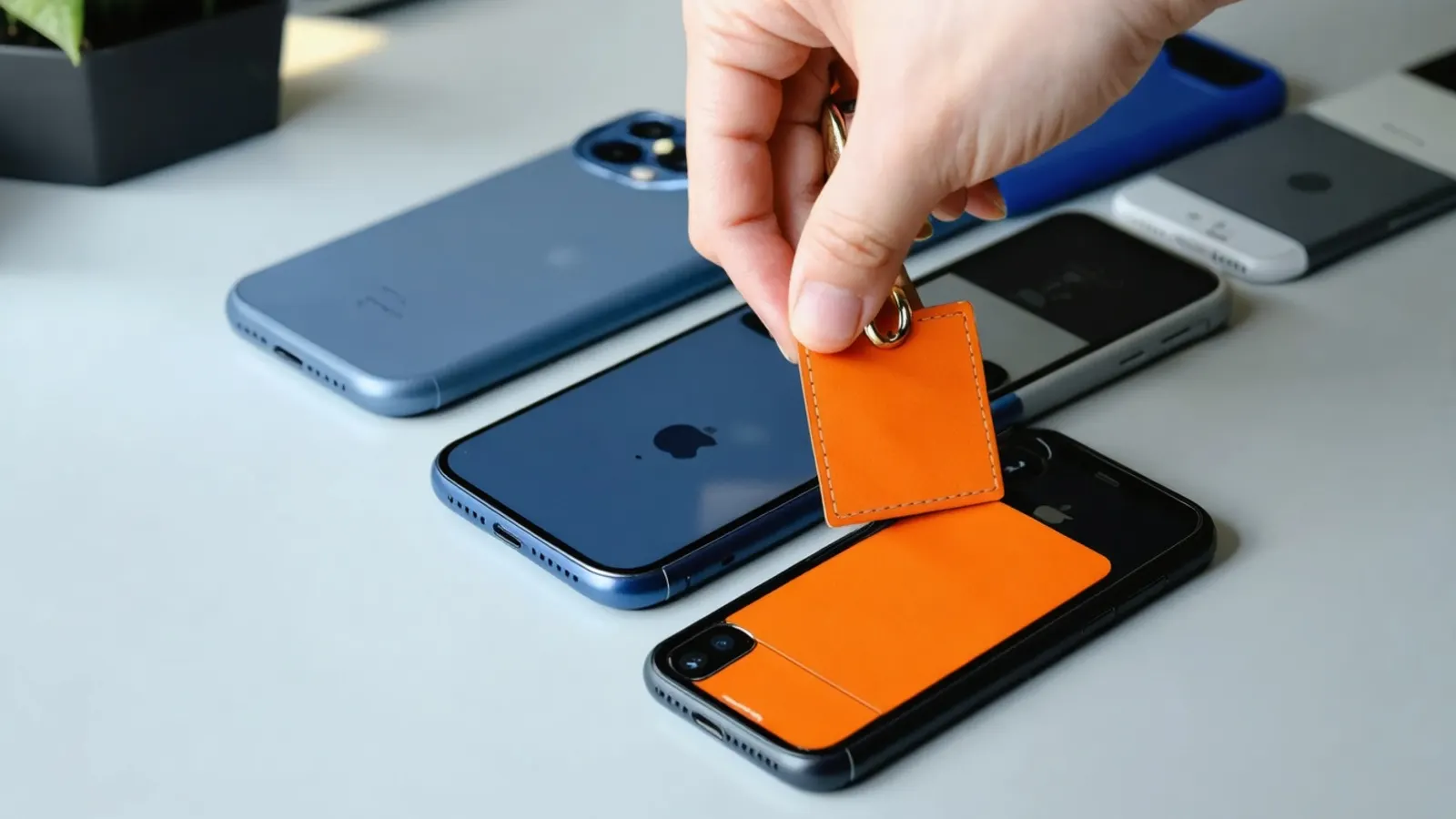
| Screenshot or product photo | Showing the real thing | It is current and shows what you describe |
| Infographic | A summary a reader may share | It has text equivalents and a source |
| Short video | Demonstrations | It has captions; see Video marketing in 2026 |
How do you write alt text?
W3C's decision tree gives a clear order of questions:
- Text in the image. If the same text appears nearby, or the text is only for effect, use an empty
alt. If the text exists only in the image, put that text inalt. If it is a functional icon, describe its function. - Image inside a link or button. Describe the destination or the action.
- Image that adds meaning. For a simple photo or graphic, write a brief description of that meaning. For a graph or complex information, give the information elsewhere on the page. If it repeats nearby text, use an empty
alt. - Purely decorative. Use an empty
alt.
Google's guidance agrees that alt text should be informative and in context, and warns against stuffing keywords. See also UX and UI design trends in 2026 for the accessibility baseline.
How do you help search engines find your images?
Google's image guidance recommends:
- Use HTML
<img>elements; Google does not index CSS images. - Place images near relevant text on a page about the same subject.
- Use short, descriptive file names rather than
IMG00023.JPG, and match the file extension to the real format. - Add a
srcfallback when you use<picture>orsrcset. - Add an image sitemap if images might otherwise be missed, including images on a CDN.
- Choose a relevant, high-resolution image as your preferred image through
og:image, and avoid generic logos or images containing text. - Optimise file size: sharp images work better in results, but heavy ones slow the page.
How should you design an infographic in 2026?
- Start with one message and one source for the data.
- Keep text as text on the page, with the key numbers in a table or paragraph, so the content can be read by assistive technology and quoted by search tools.
- Check contrast and size on a phone.
- Cite the source under the graphic.
- Give it a caption that states the takeaway.
What about AI-generated visuals?
AI image tools are useful for drafts and abstract illustration, and we use them for article illustrations. Check that they show what you claim, contain no invented data and carry no misleading detail. For product images, Google's ecommerce guidance asks for the IPTC DigitalSourceType value "TrainedAlgorithmicMedia" on AI-generated images, and for AI-generated product titles and descriptions to be labelled as such. Never use a generated image to represent a real product, person or result.
How do you know it helps?
Compare pages with and without a visual on the actions that matter: time on page, clicks to the next step and enquiries. Track image impressions in Search Console if images matter to your business. For the wider plan, see Content strategy in 2026 and our website design page.
FAQ
Does every image need alt text?
Every image needs a deliberate choice. Informative images need a short description; decorative and redundant ones need an empty alt so screen readers skip them.
Are infographics still worth making?
Yes, when they explain something clearly and the data is also available as text. An image alone cannot be read by assistive technology or reliably quoted by search tools.
What image formats does Google support?
BMP, GIF, JPEG, PNG, WebP, SVG and AVIF. Match the file extension to the actual format.
Should I use CSS background images for photos?
Not for images you want indexed. Google does not index CSS images, so use a standard image element.
Can I use AI-generated images?
Yes for illustration, with human review. For product images, follow Google's labelling guidance and never present a generated image as the real product.
Sources (3 links)
- Google Search Central, "Image SEO best practices": https://developers.google.com/search/docs/appearance/google-images
- W3C Web Accessibility Initiative, "An alt Decision Tree": https://www.w3.org/WAI/tutorials/images/decision-tree/
- Google Search Central, "Using generative AI content on your website": https://developers.google.com/search/docs/fundamentals/using-gen-ai-content